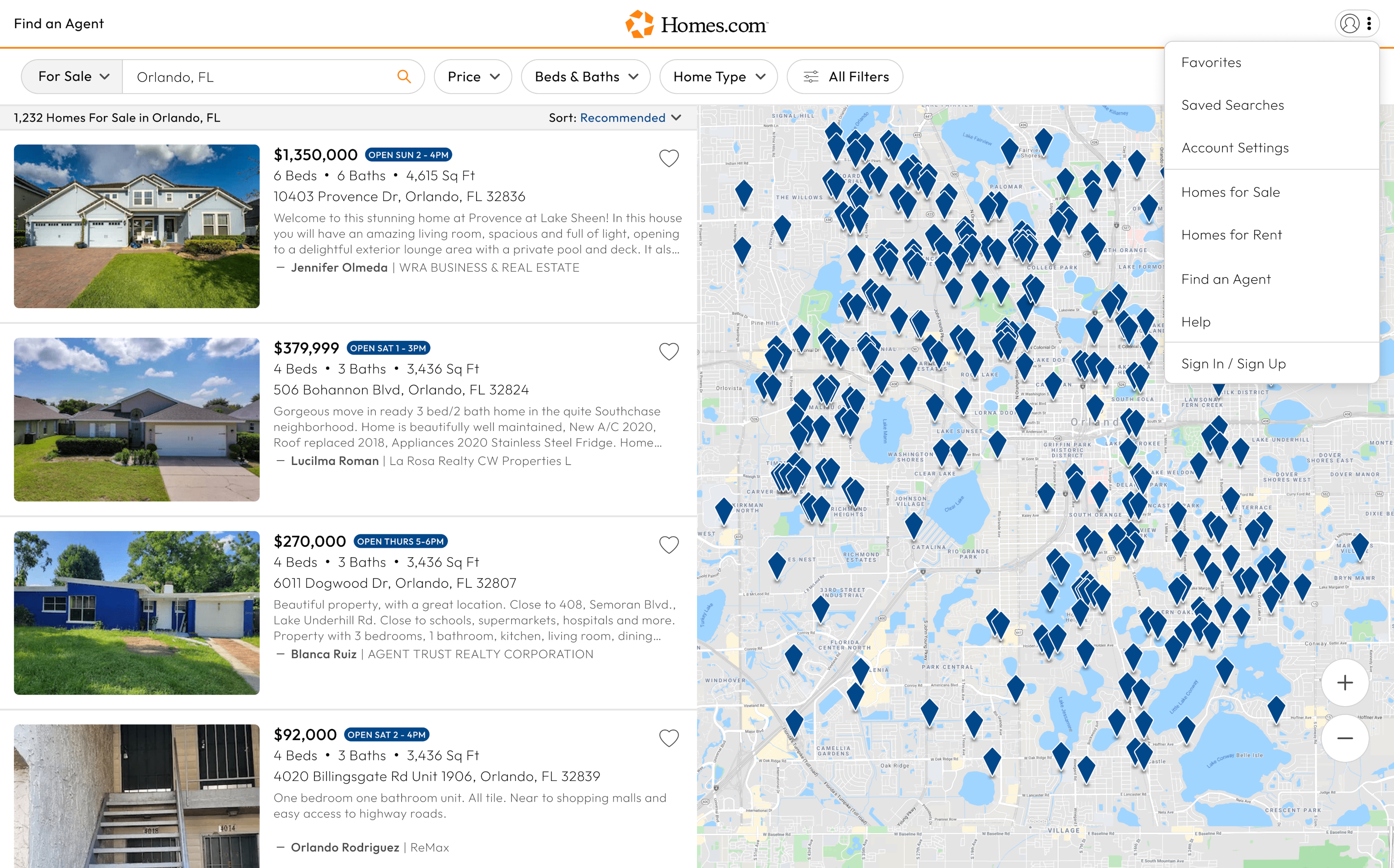
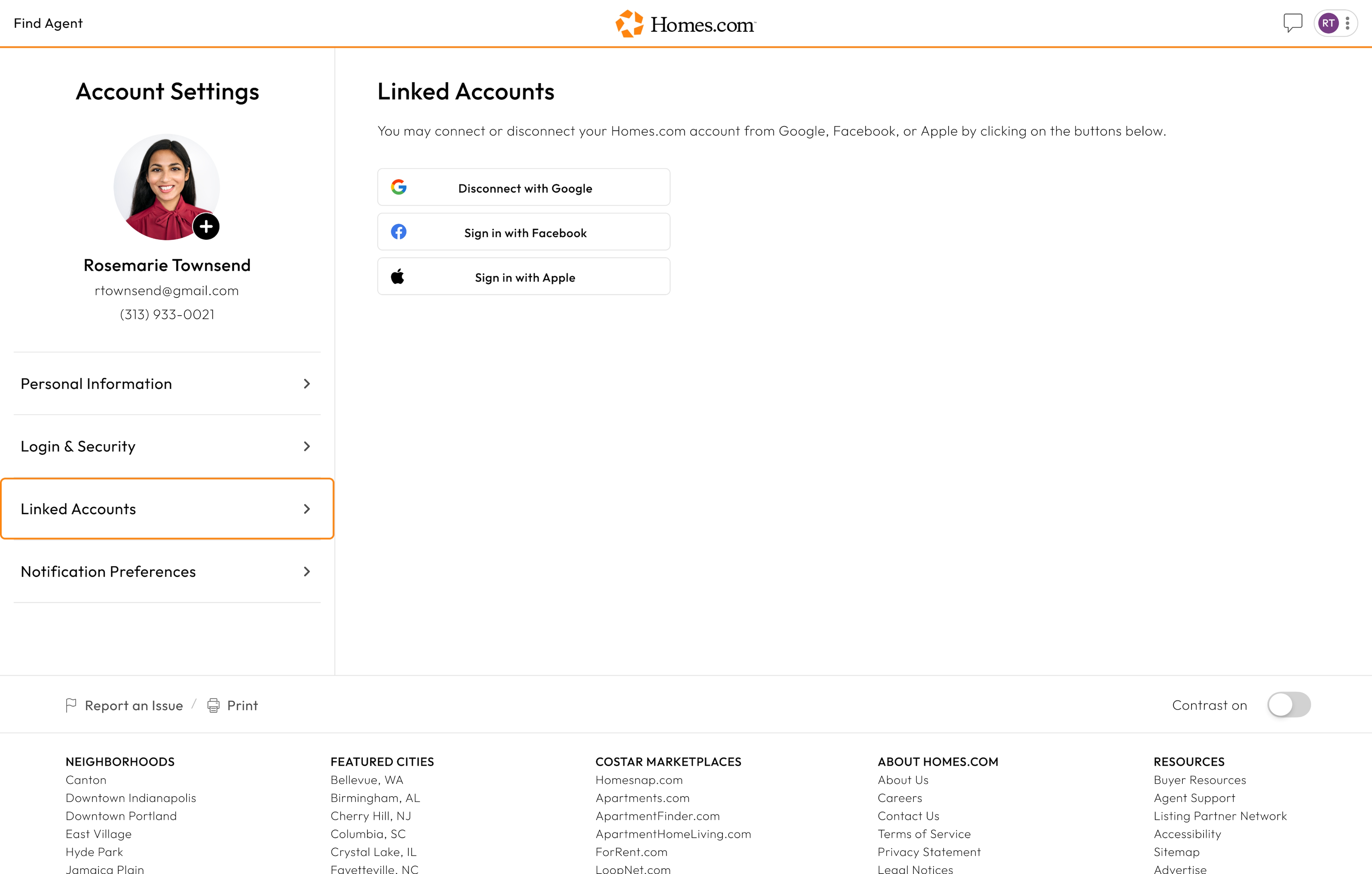
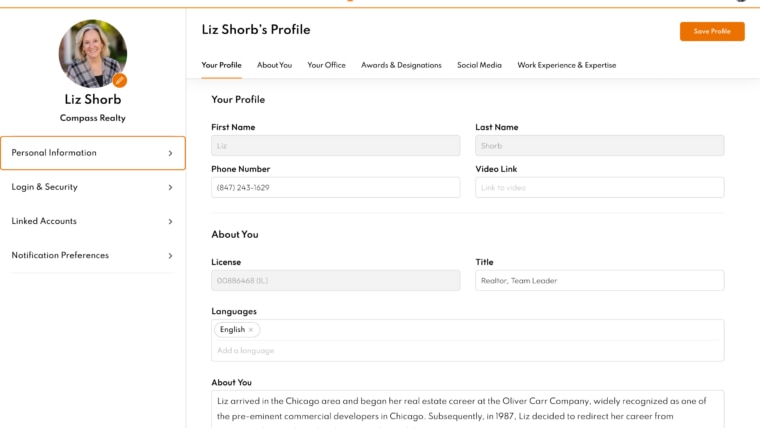
To get to your account settings, click or tap on the profile icon in the top right corner and a menu will drop down.
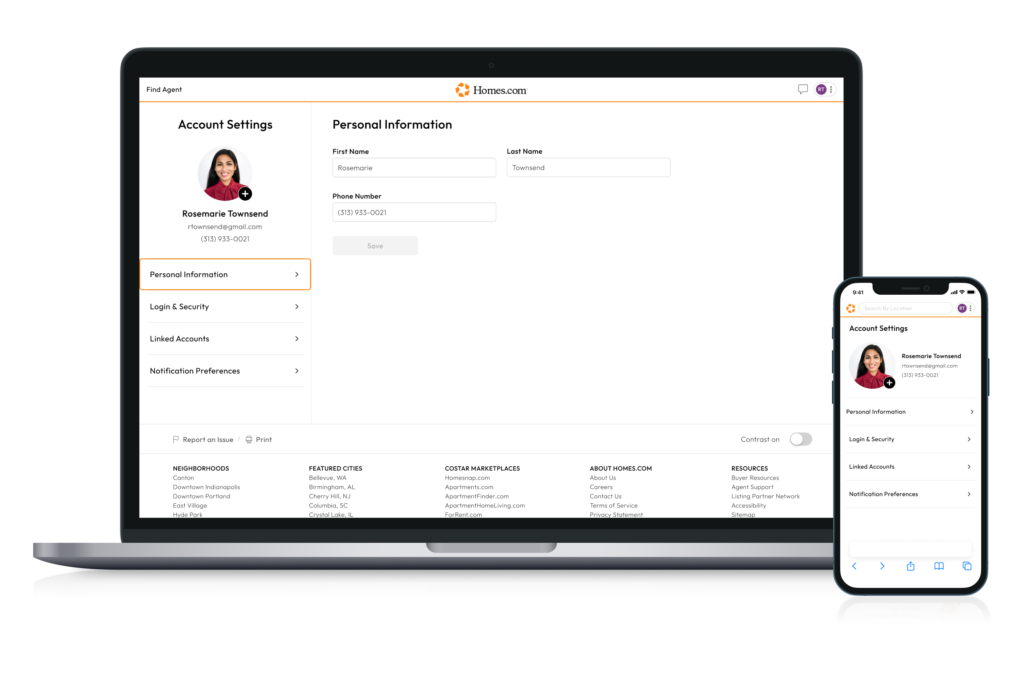
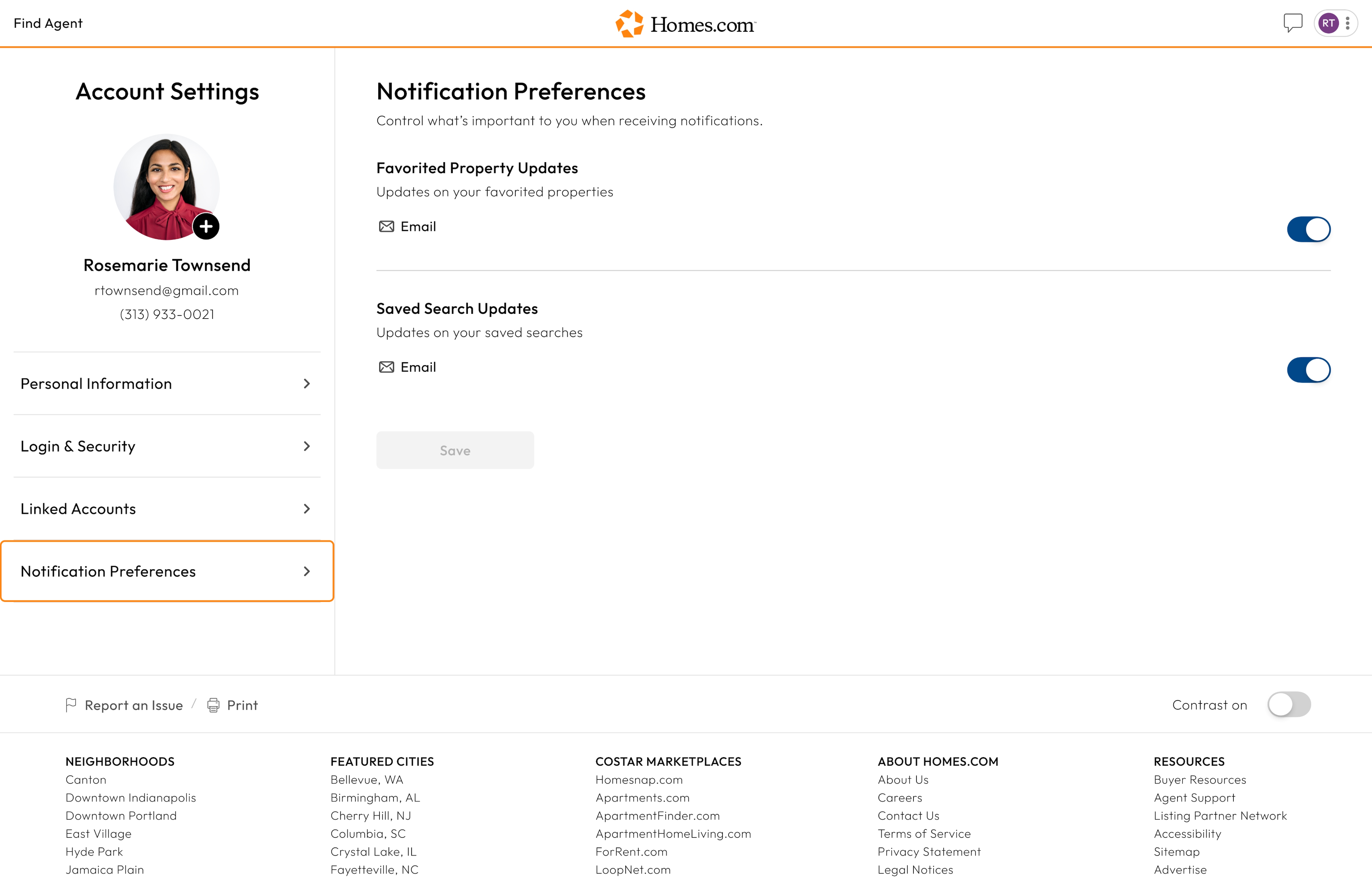
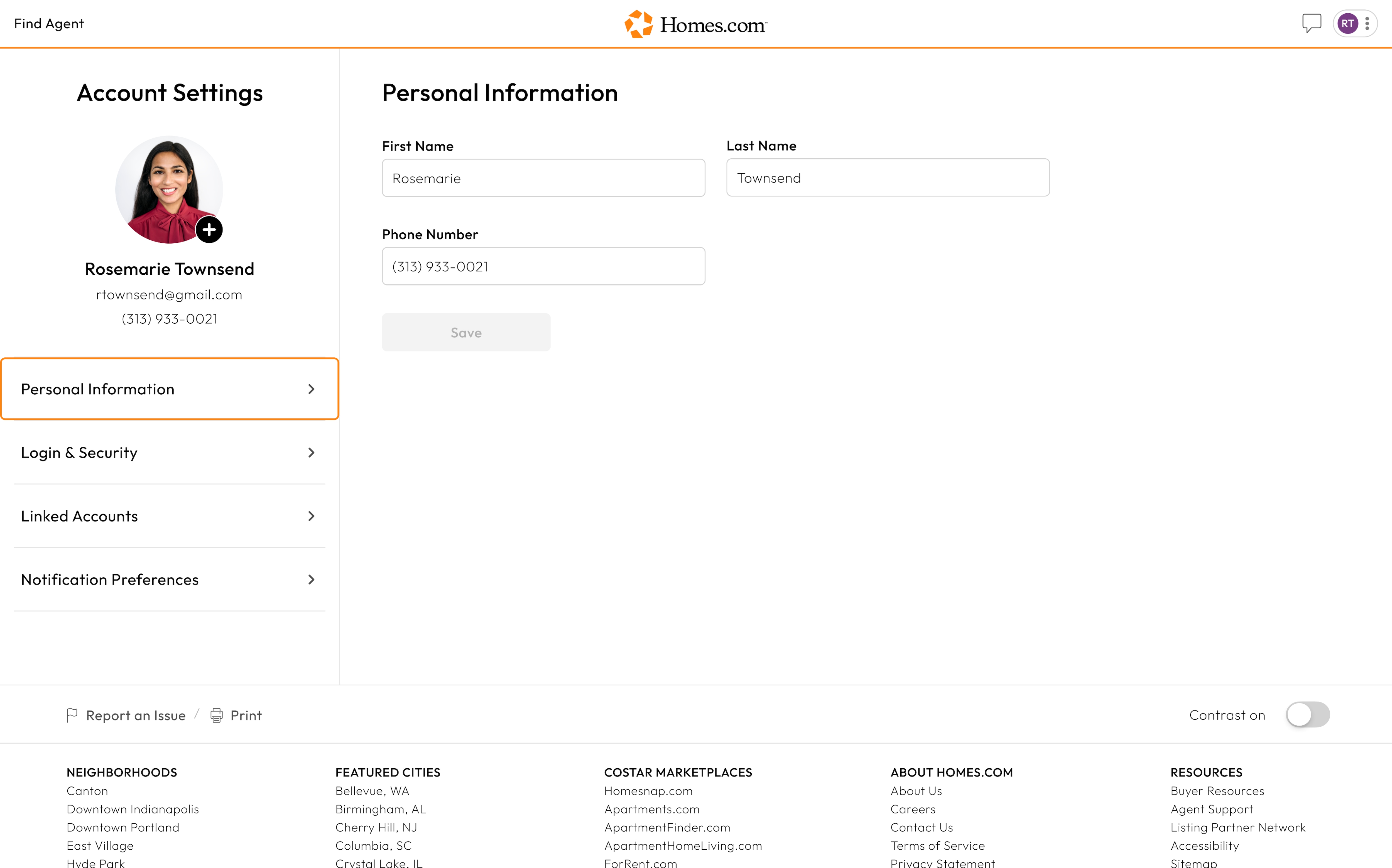
In the menu you will see “Account Settings.” Click or tap on that and you will be taken to your settings.
Another way to access your account settings on mobile is by going to the bottom right of your screen and selecting “More.” Tap on “Account Settings” and you will be taken to your settings.