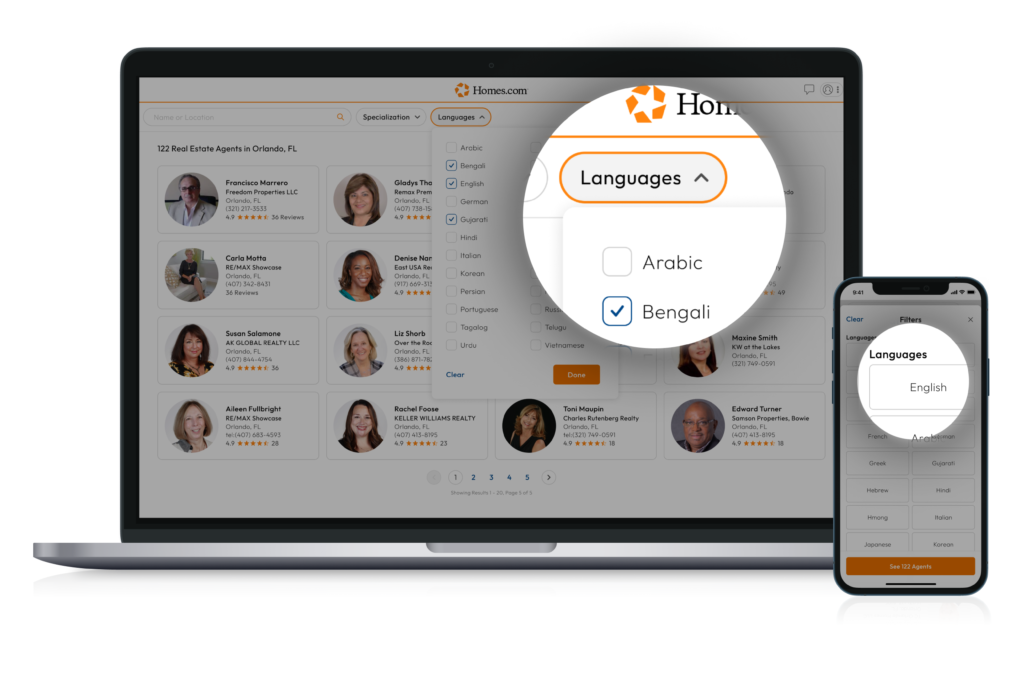
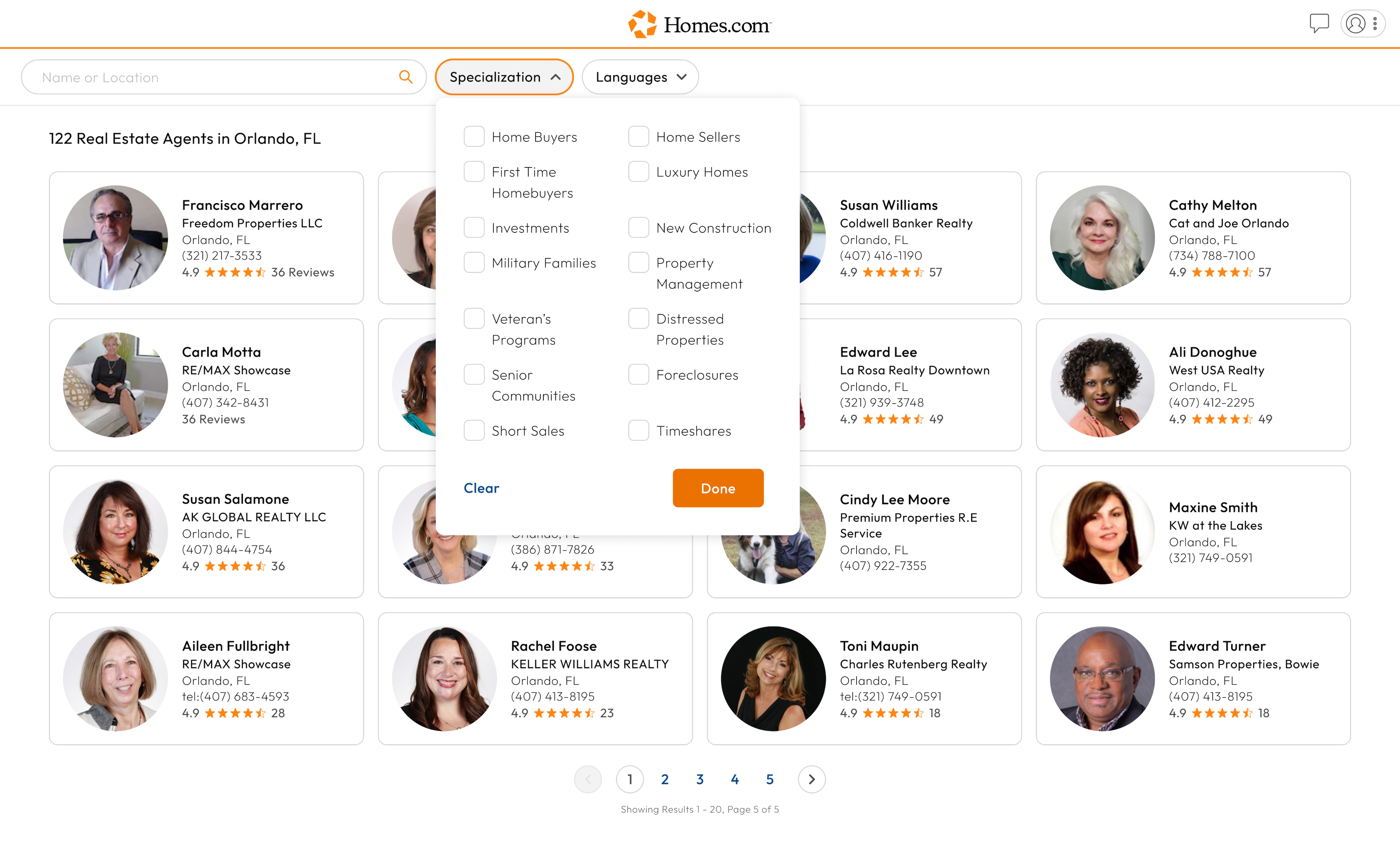
After searching for an agent by location, you’ll be able to sort the agents by the languages they speak.
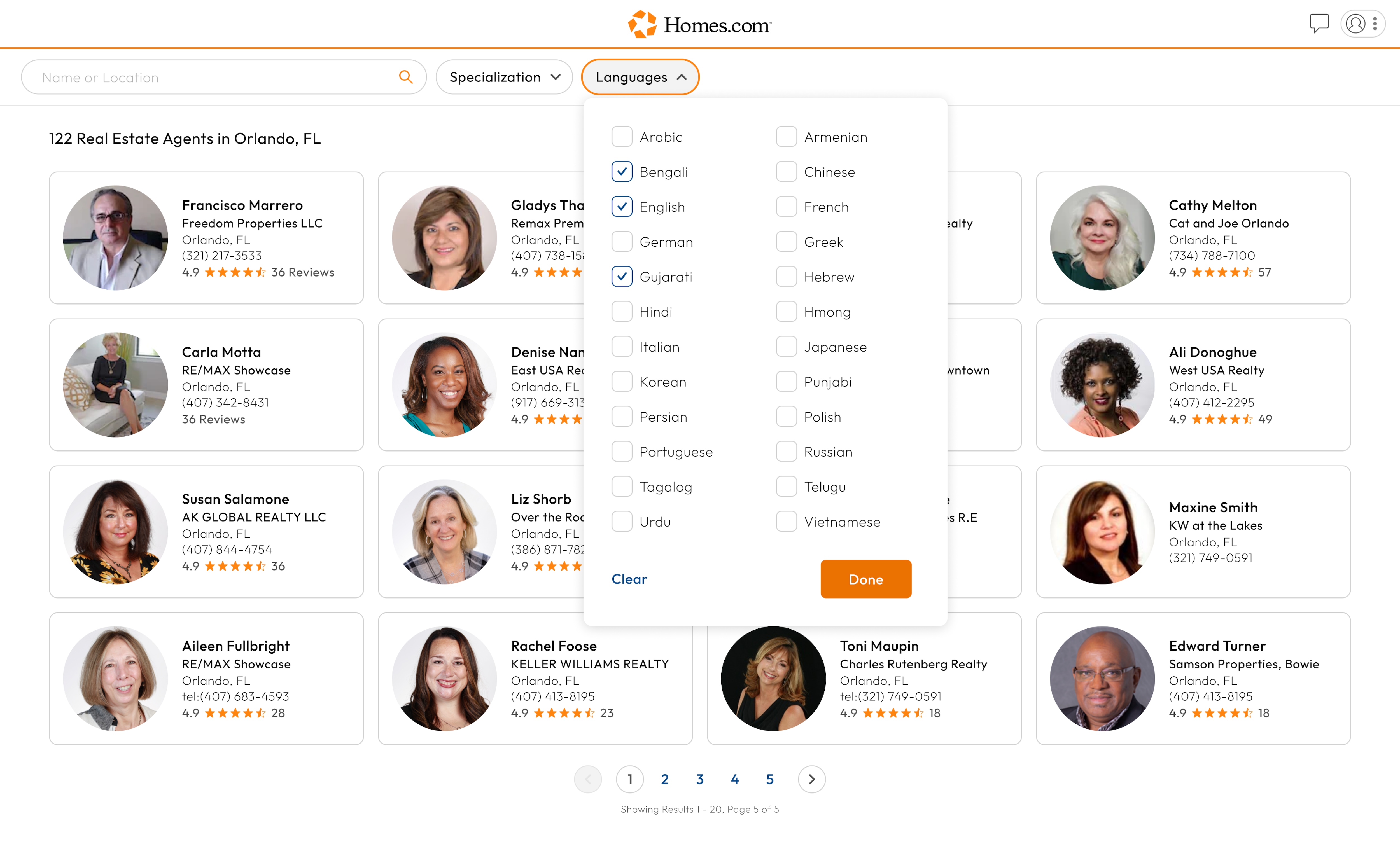
To do this, click or tap on the “Language” button located to the right of the specialization button. Once you have clicked or tapped the “Language” button, a drop-down menu should appear. Select which languages you speak to see what agents in the area also speak that language.
After you’ve finished selecting languages, click or tap “Done” in the bottom right corner of the drop-down menu.
When you’re finished with your search and would like to clear the languages you have selected, click or tap on the “Language” button, and then click or tap “Clear” located in the bottom left corner of the drop down menu.