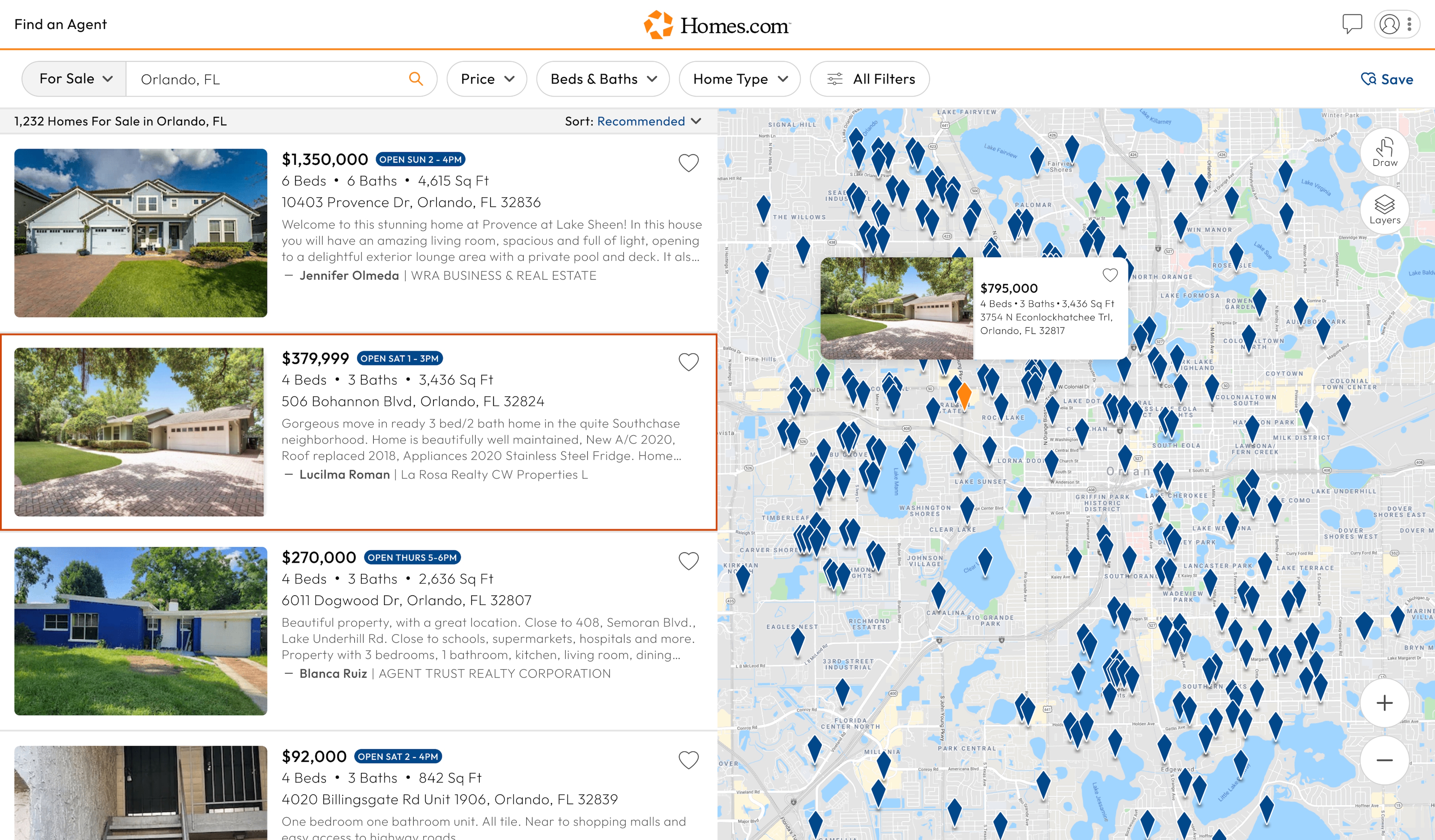
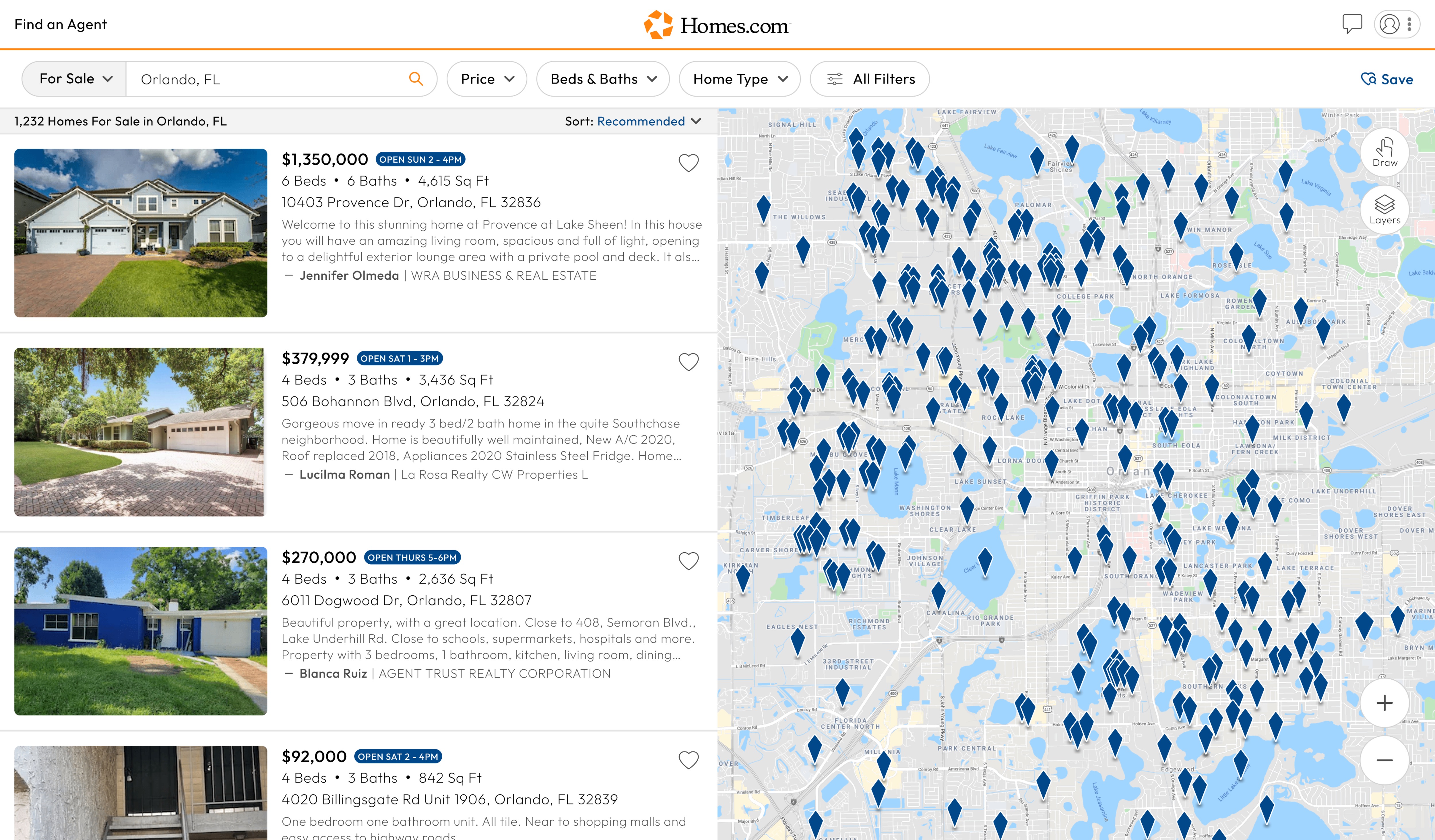
First, you must complete an initial search on Homes.com. Once you complete an initial search, you will see a map of the location to the right of your screen. On mobile, select “map” and you’ll see the draw feature toward the right of your screen.
Below the draw icon, you should see an icon that says “Layers.” To add layers, click or tap the “Layers” icon, then click or tap on a map layer to view it on your screen.