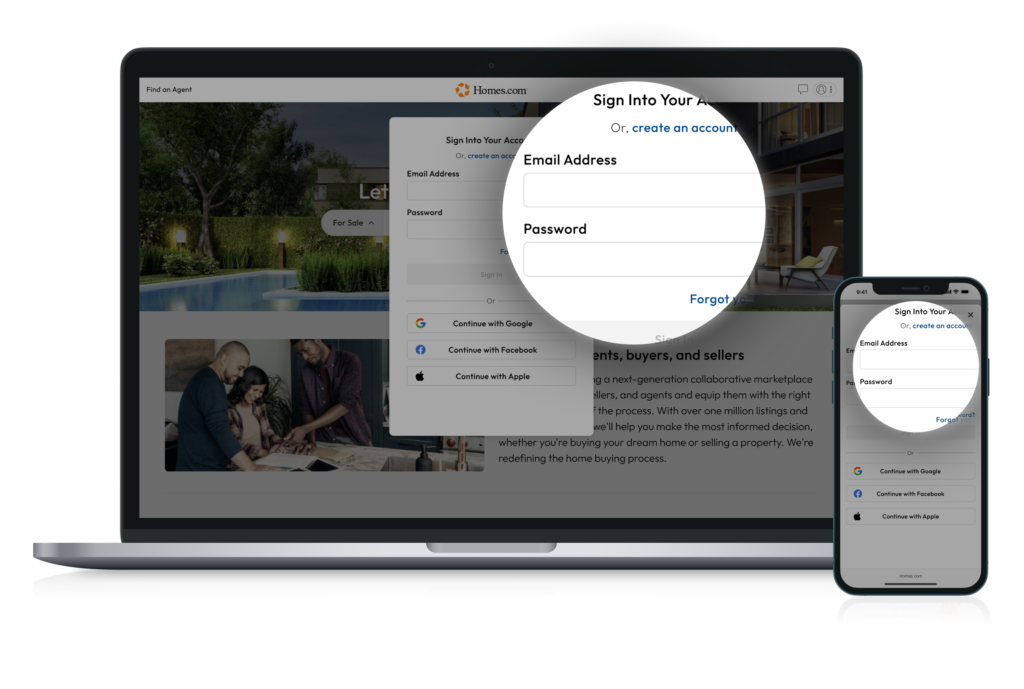
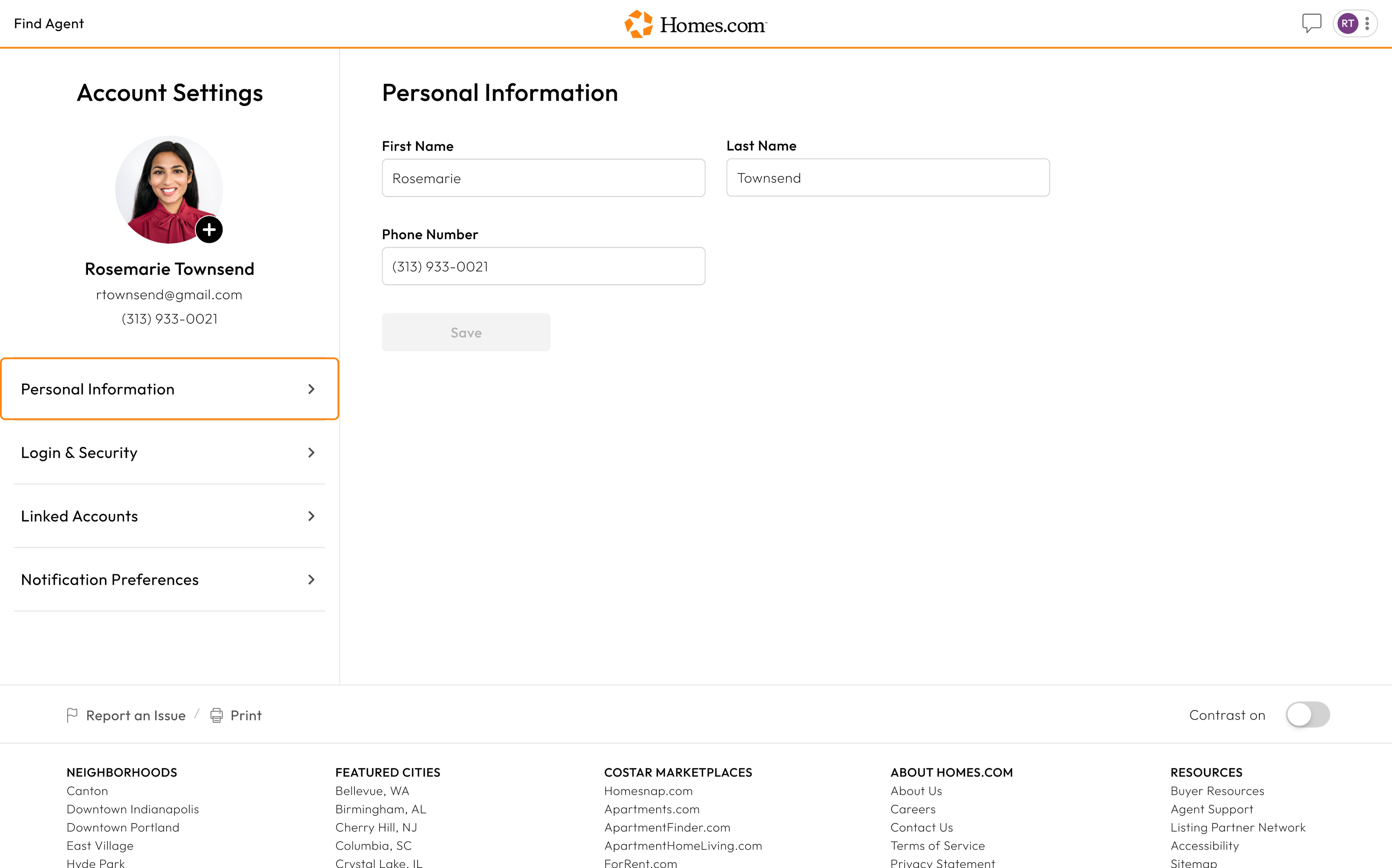
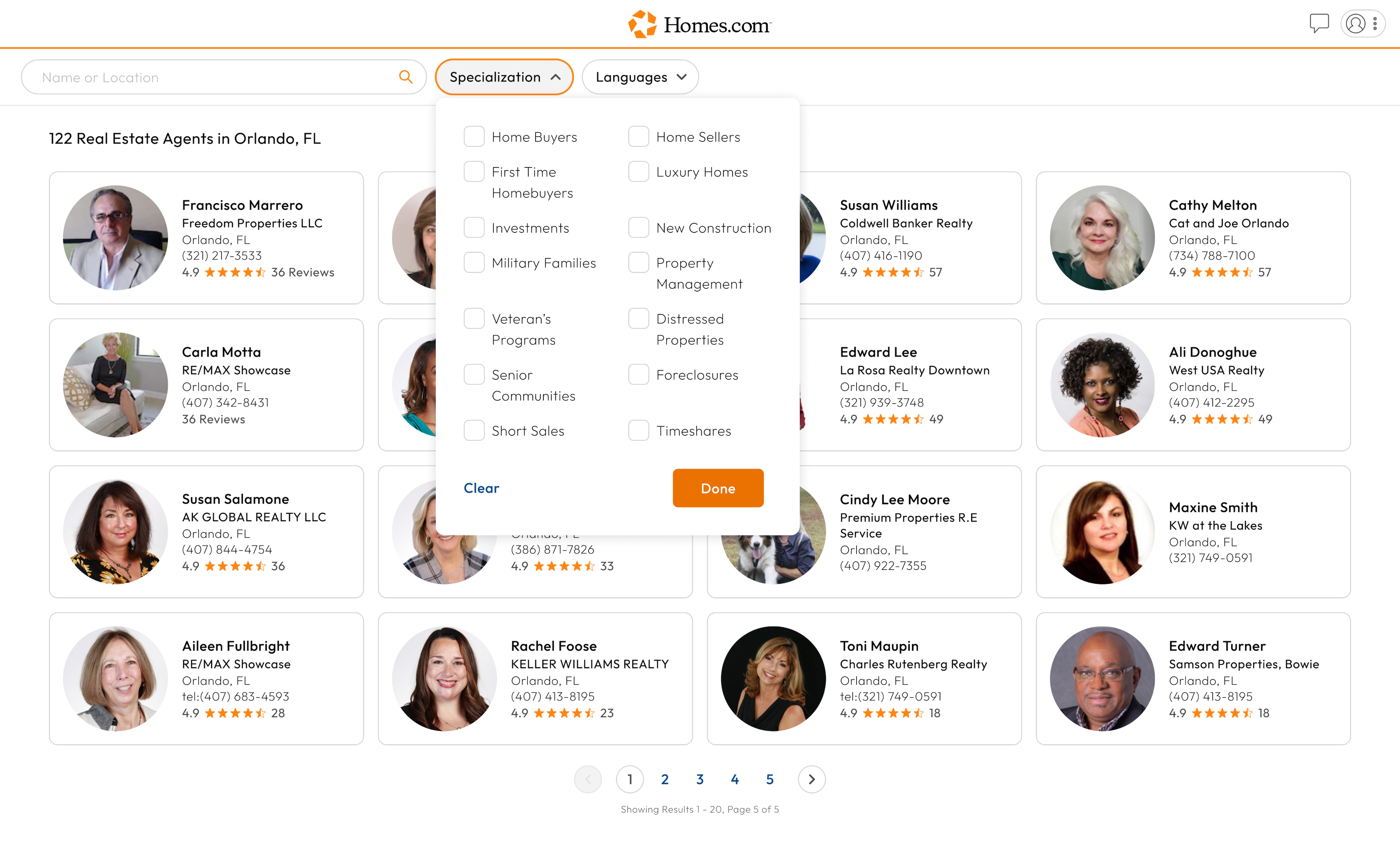
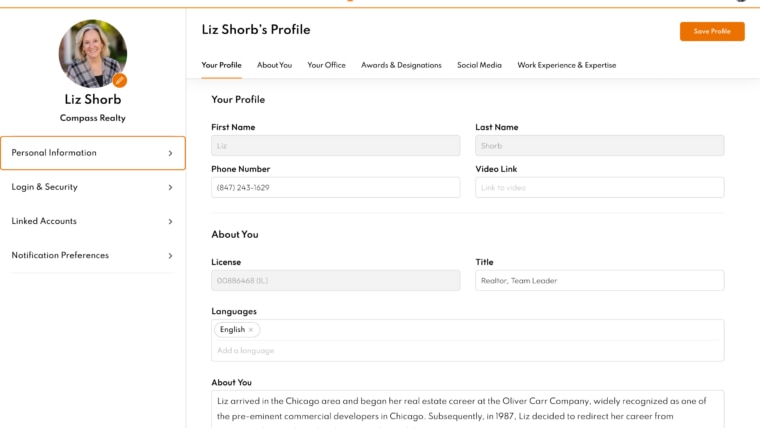
To sign into your Homes.com account, go to the profile icon in the top right corner. Click or tap on the profile icon and a menu will drop down.
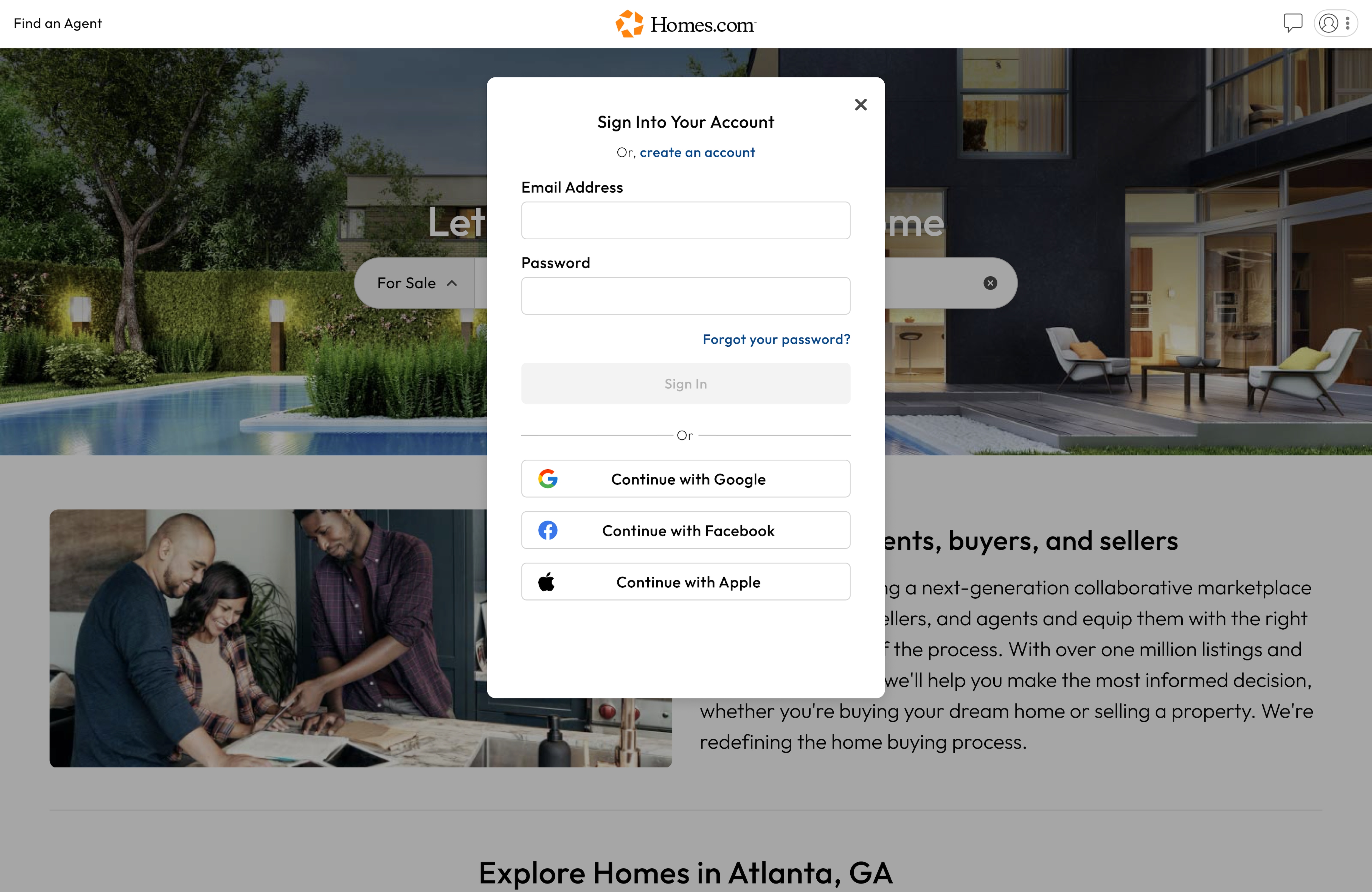
At the bottom of this menu, you will see “Sign In/ Sign Up.” Click or tap the words “Sign In” and then enter your email address and password on the page that pops up.
Once you are done putting in your email address and password, click or tap on the orange button that says “Sign In” to sign in to your account.
To sign out of your Homes.com account, go to the profile icon in the top right corner. Click or tap on the profile icon and a menu will drop down.
At the bottom of this menu, you will see “Sign Out.” Click or tap the words “Sign Out” to sign out of your account.