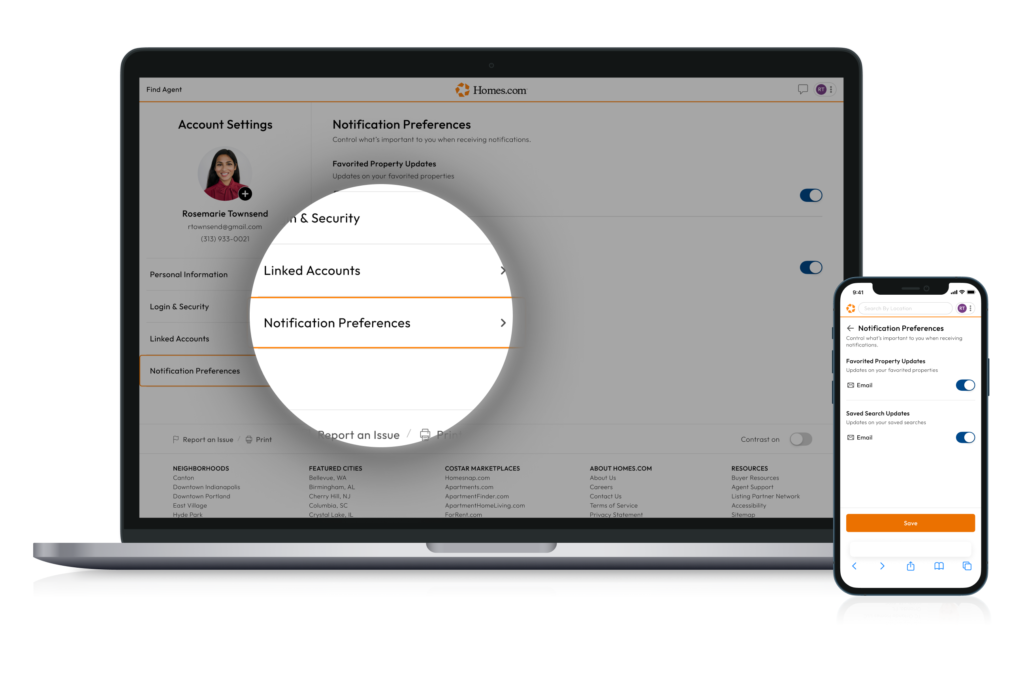
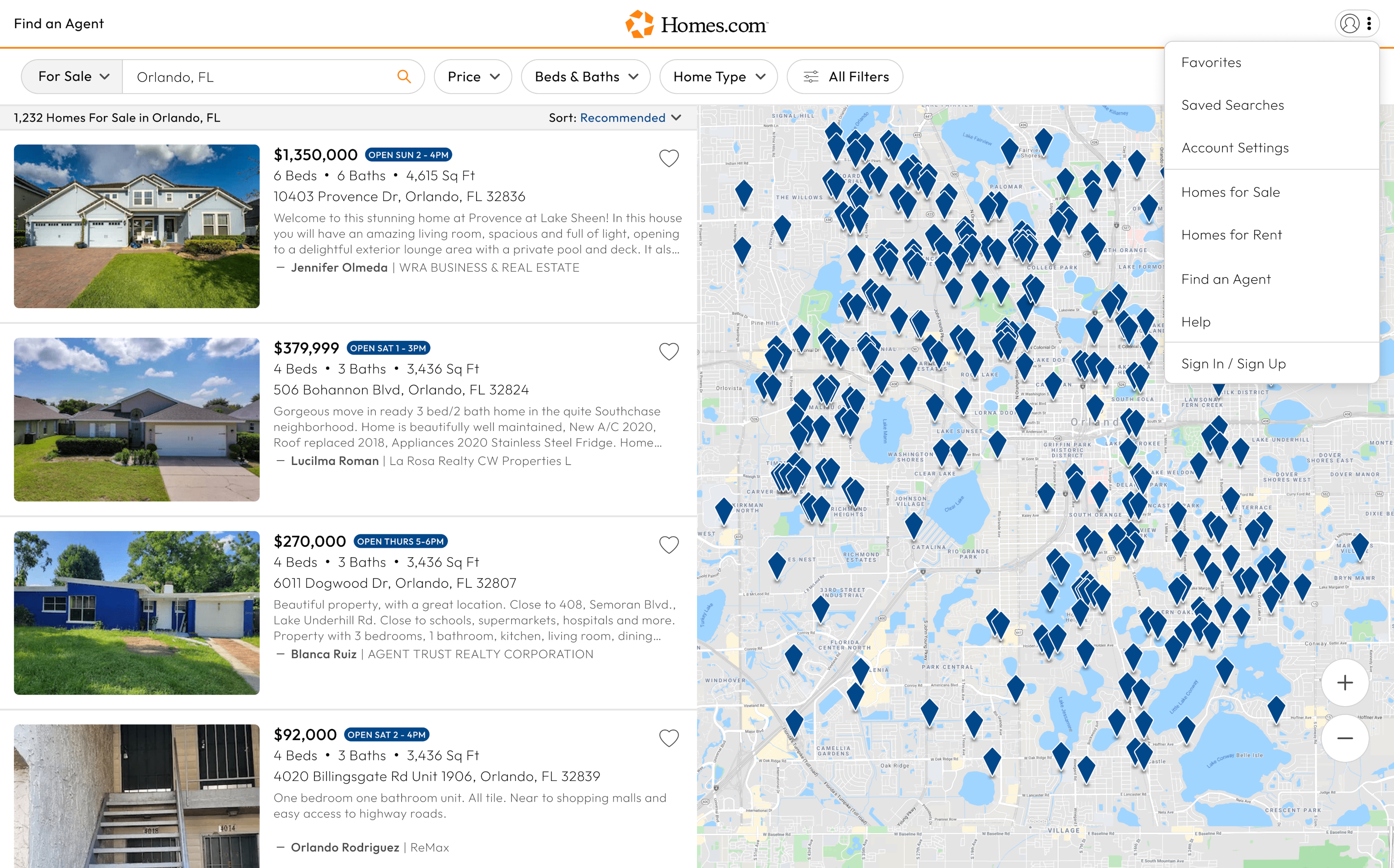
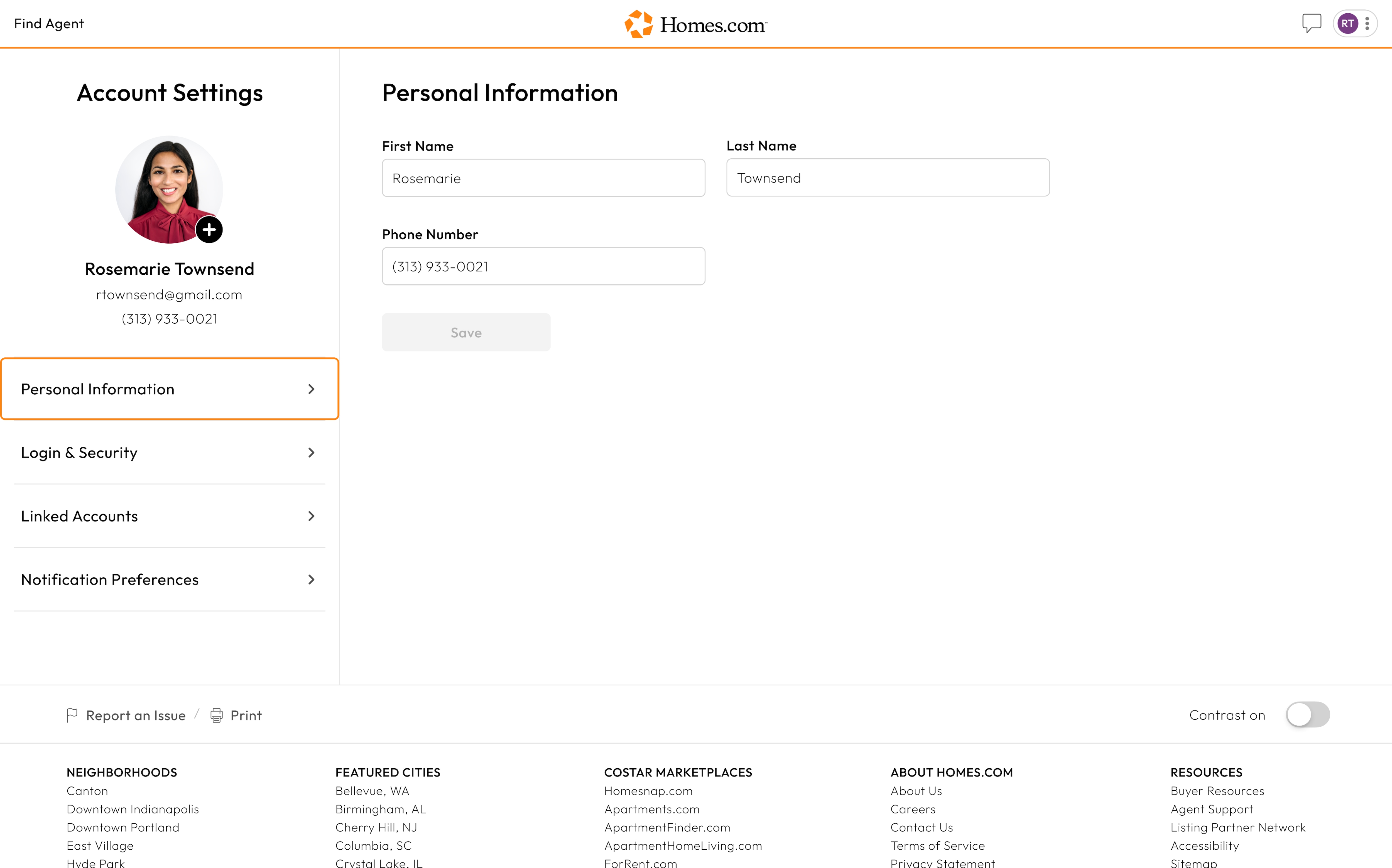
To update your notification preferences, go to your account settings on Homes.com.
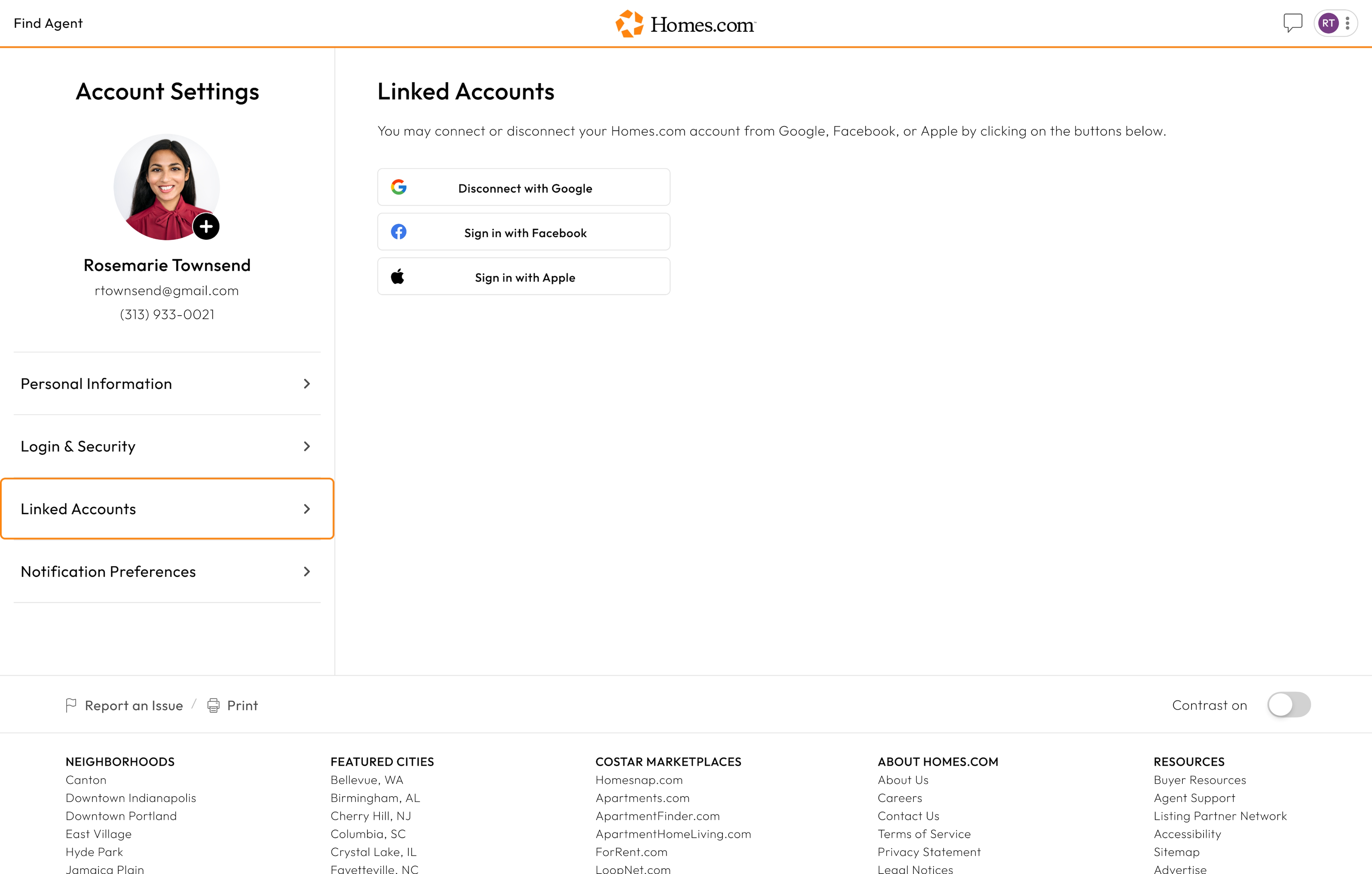
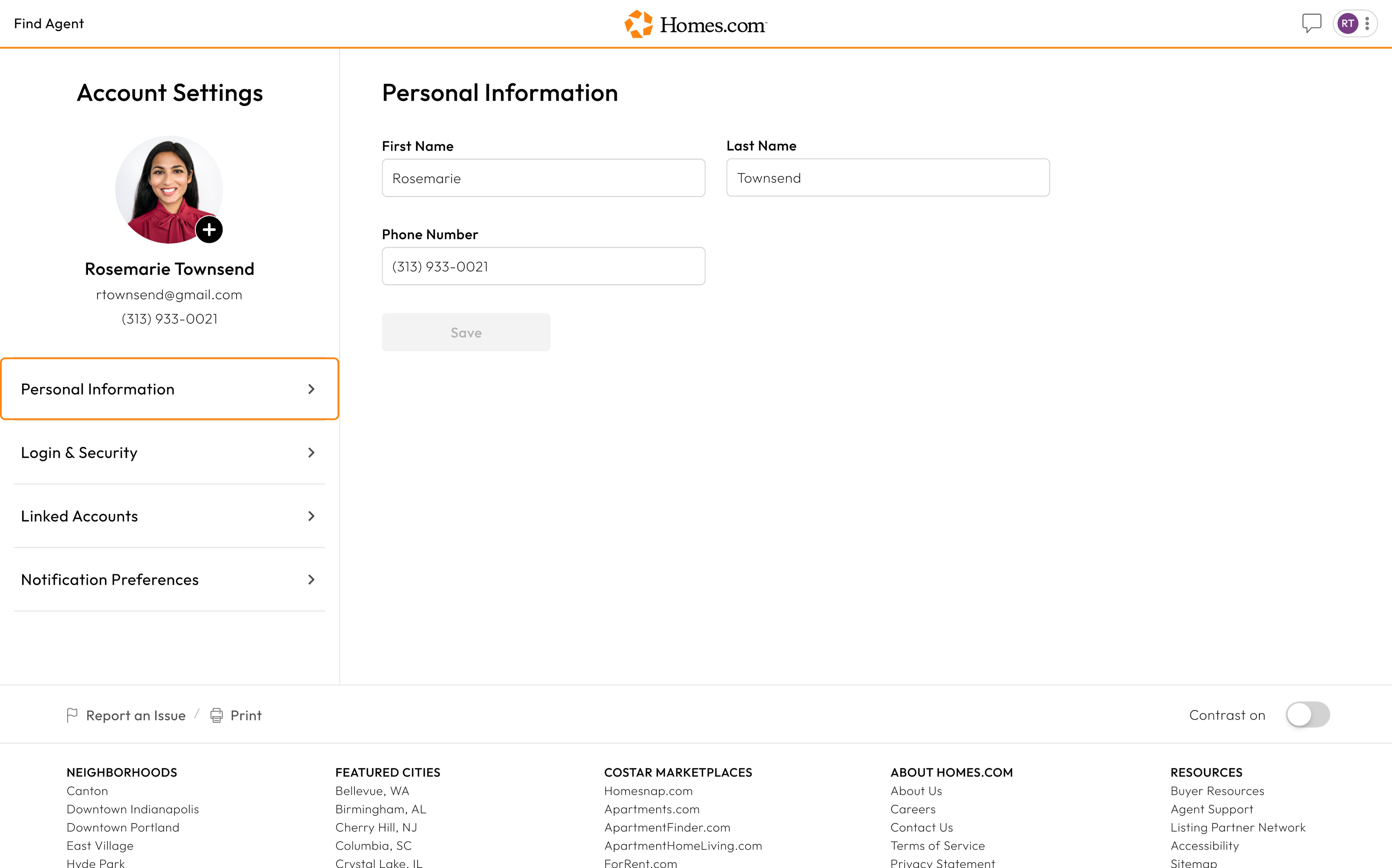
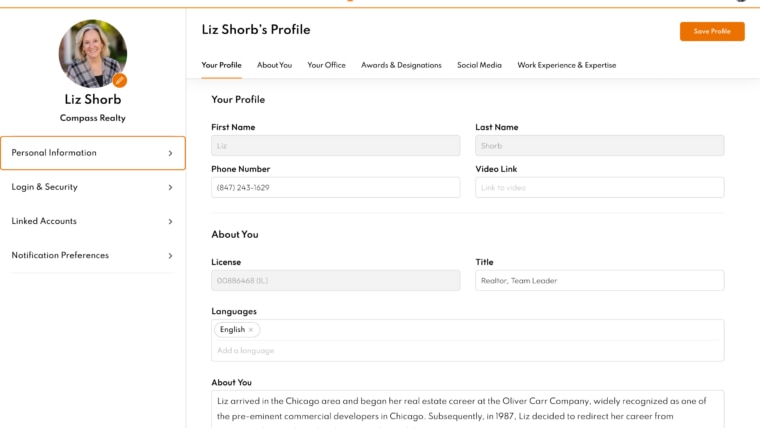
Here, you will see a menu under your profile icon. This menu has your “Personal Information,” Login & Information,” “Linked Accounts,” and “Notification Preferences.”
Click or tap on “Notification Preferences.” From there, you can choose whether you would like to receive emails about your favorite properties and if you would like updates on your saved searches.