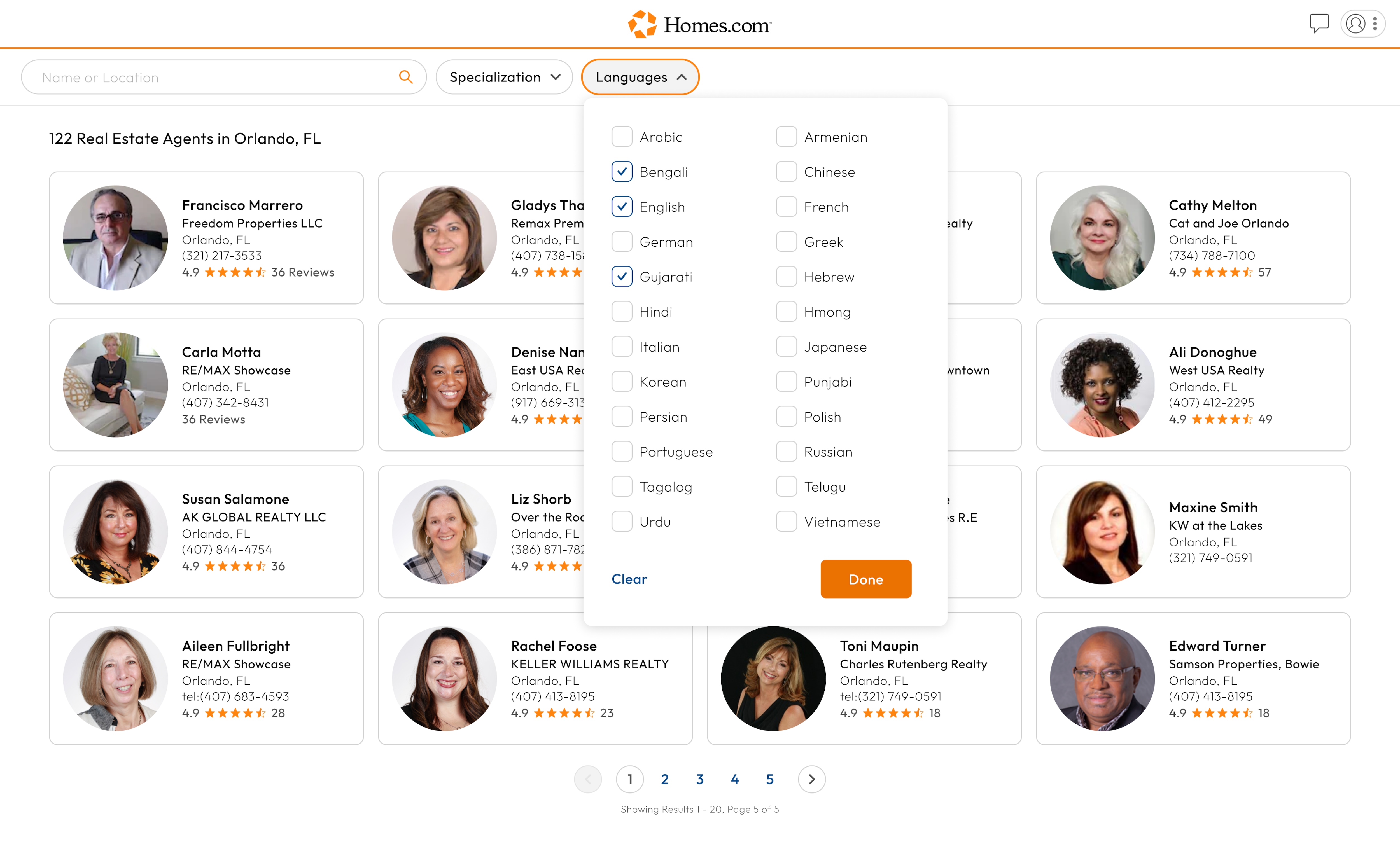
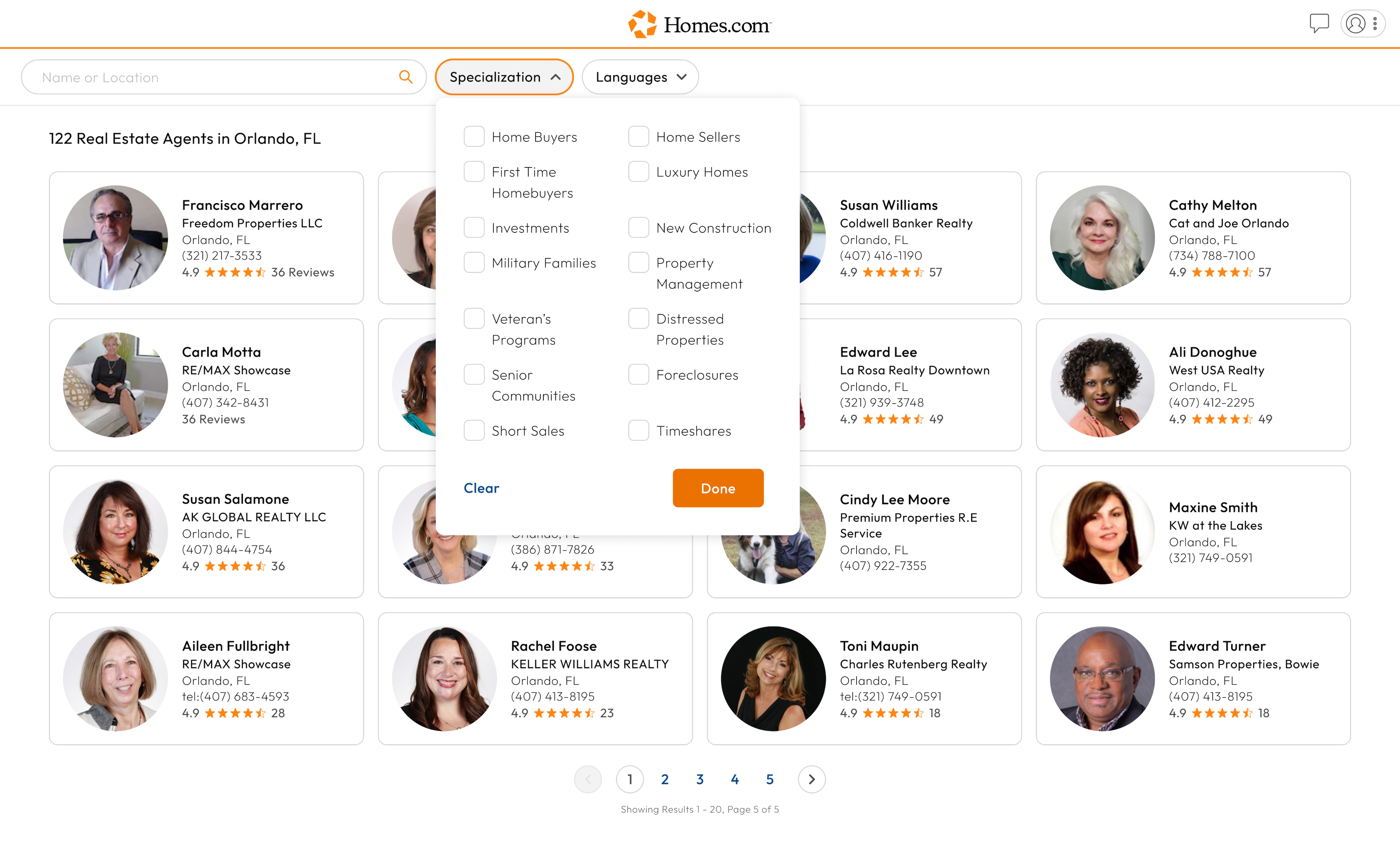
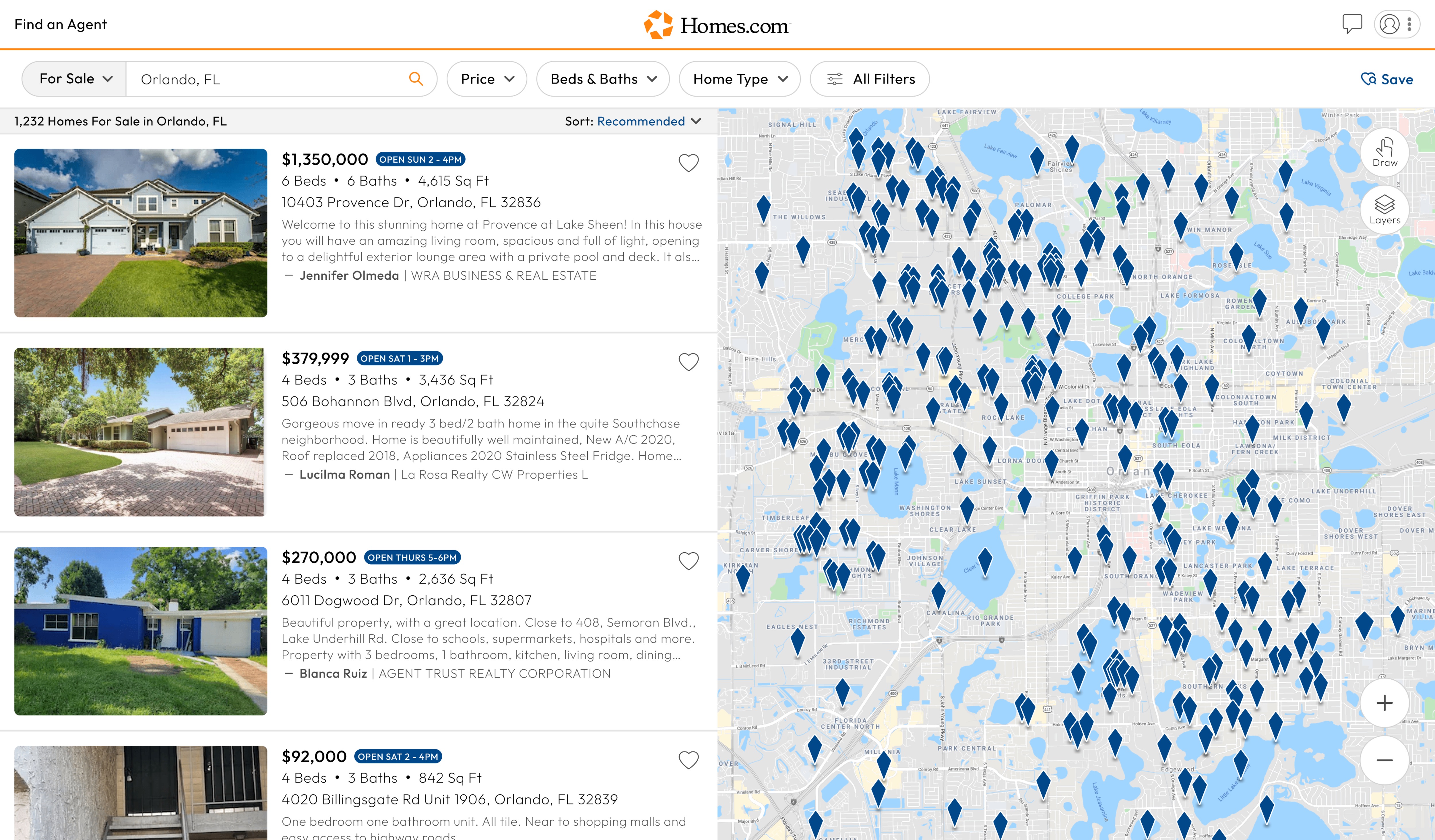
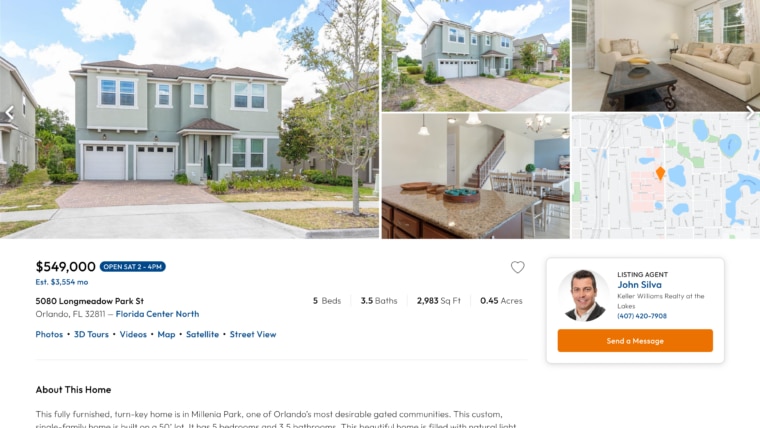
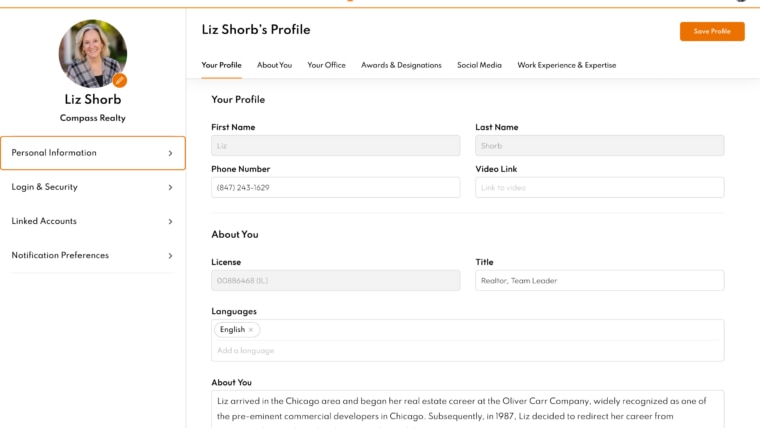
Whether you are looking for a listing or selling agent, you can easily find them on Homes.com. Start by going to the top left corner of the homepage and clicking on the “Find Agent” button.

On mobile, tap the profile icon in the top right corner and then select “Find an Agent” from the drop down menu. Once you click or tap that button, a new page will come up with a search bar to either search for agents by location or by their name.