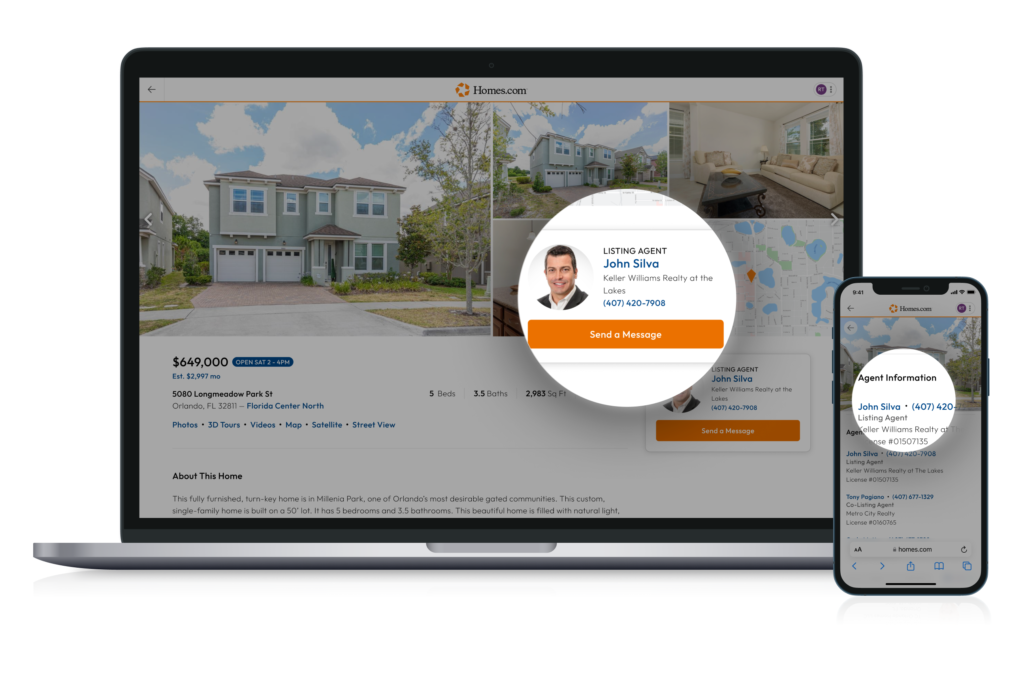
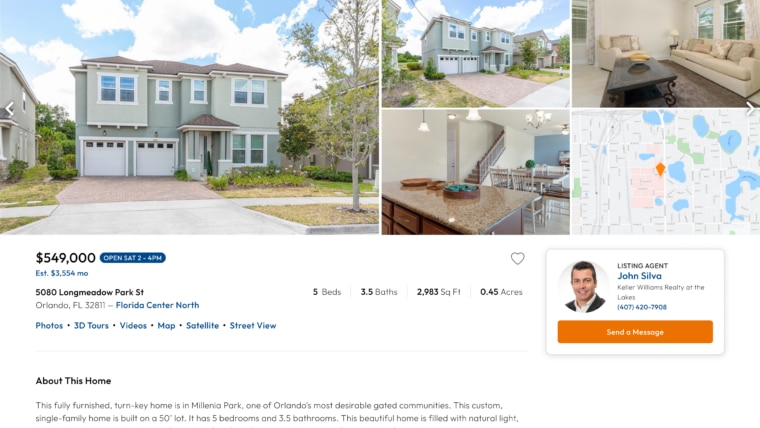
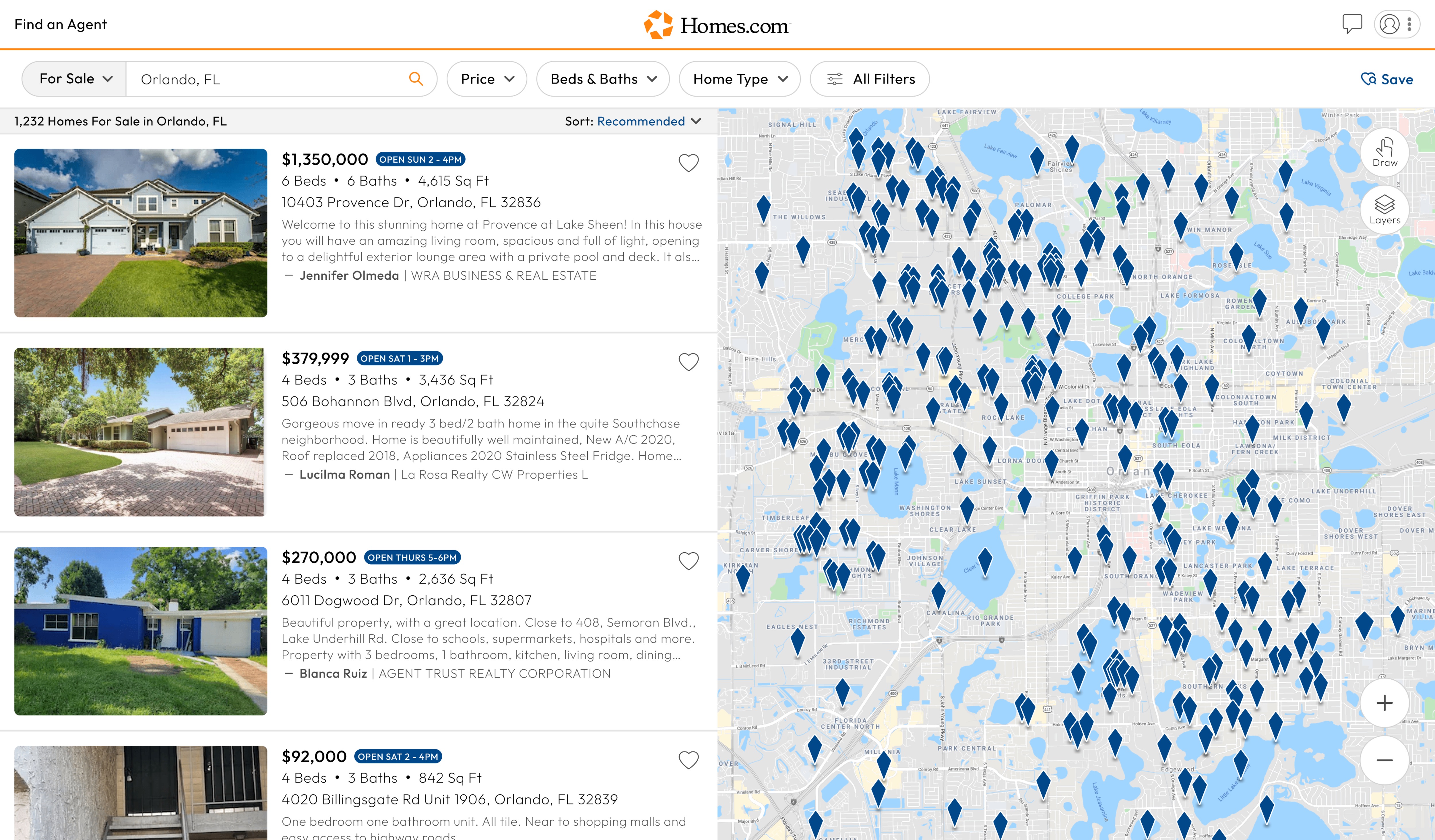
To contact a listing agent for any property, first go to the property’s listing details page. The listing details page is the page you’ll land on when you click on a house after doing a search. This page contains all the information about the home.
Right below the pictures of the home, toward the right of your screen or on your screen (for mobile), you’ll find the listing agent for that home. Beneath the agent’s name, you’ll find the phone number in blue and a “Send a Message” button in orange. Click on that if you’d like the agent to contact you.
At Homes.com, our priority is ensuring that buyers will always get the true listing agent for any home they are looking at. We only connect you with the real listing agent for the home so you can trust that you’ll be speaking with the agent who represents the seller, knows the house, and can answer all of your questions.
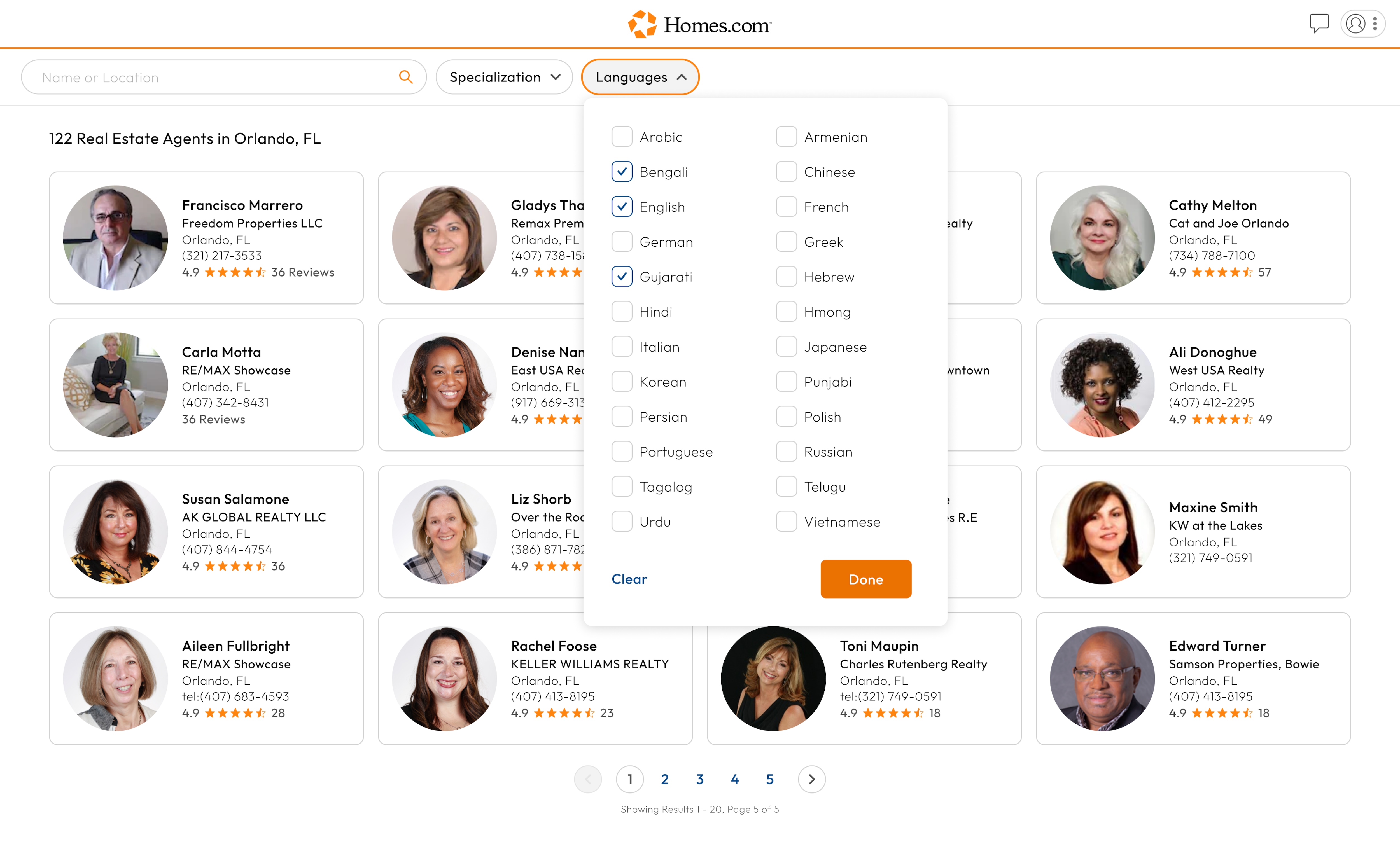
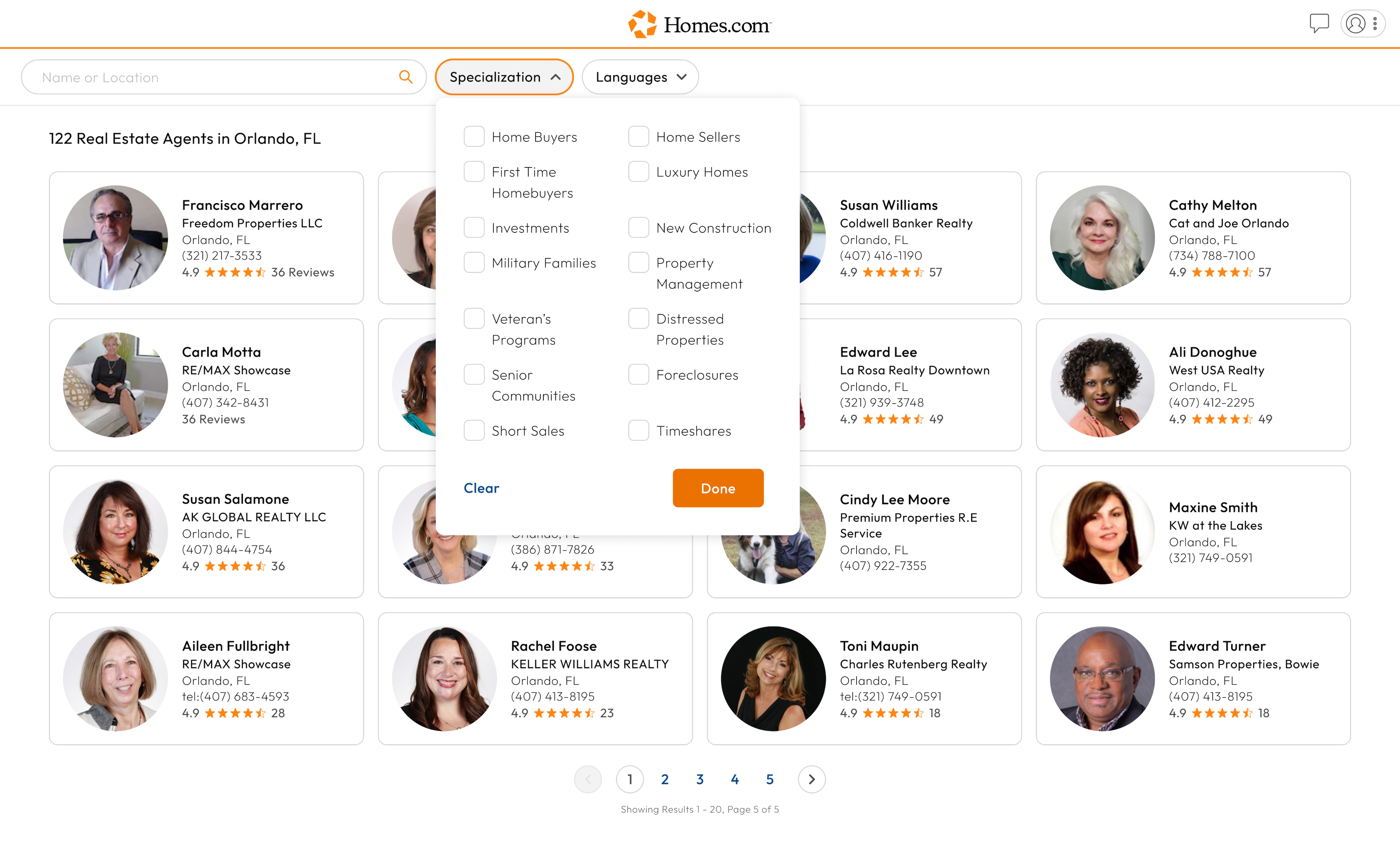
If you are looking for an agent, check out our article on how to find the best real estate agent.