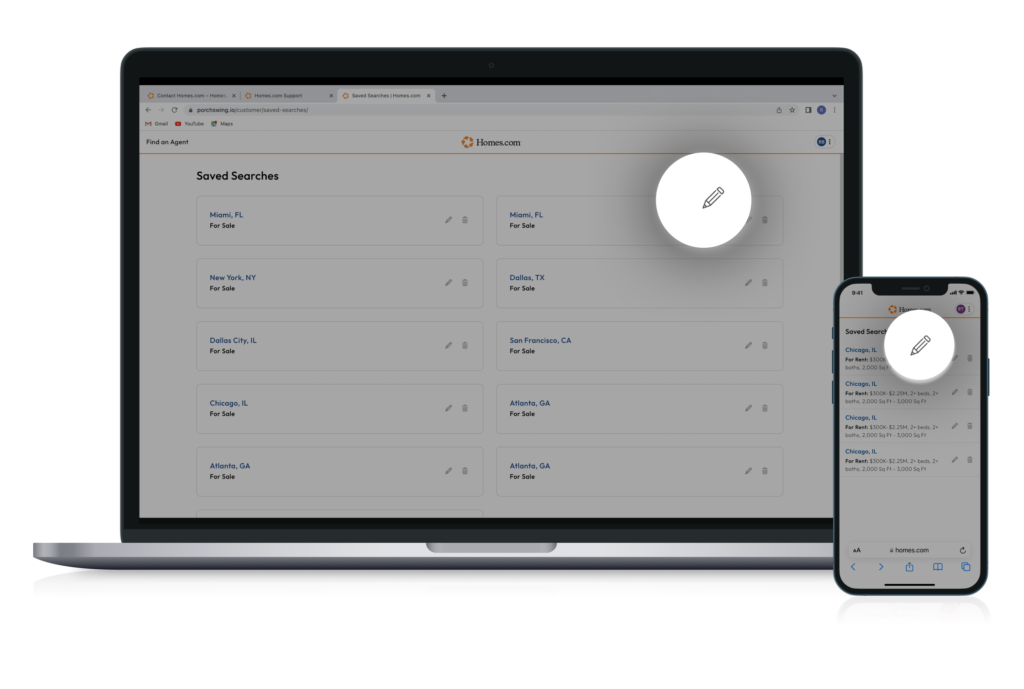
To edit your saved search, first access all your saved searches. To do this, click or tap on the profile icon in the top right corner of your screen. On mobile you can tap on the “More” button at the bottom right corner of your screen, and then on the “Saved Searches” button to see all your searches.
Once you click or tap on the profile icon, a menu will drop down. Select “Saved Searches” from the menu to see all your saved searches.
You can click or tap on the pencil icon on the far right of the saved searches. Once you click or tap the pencil icon, you can edit the name of your saved search and whether you would like to receive email or push notifications.