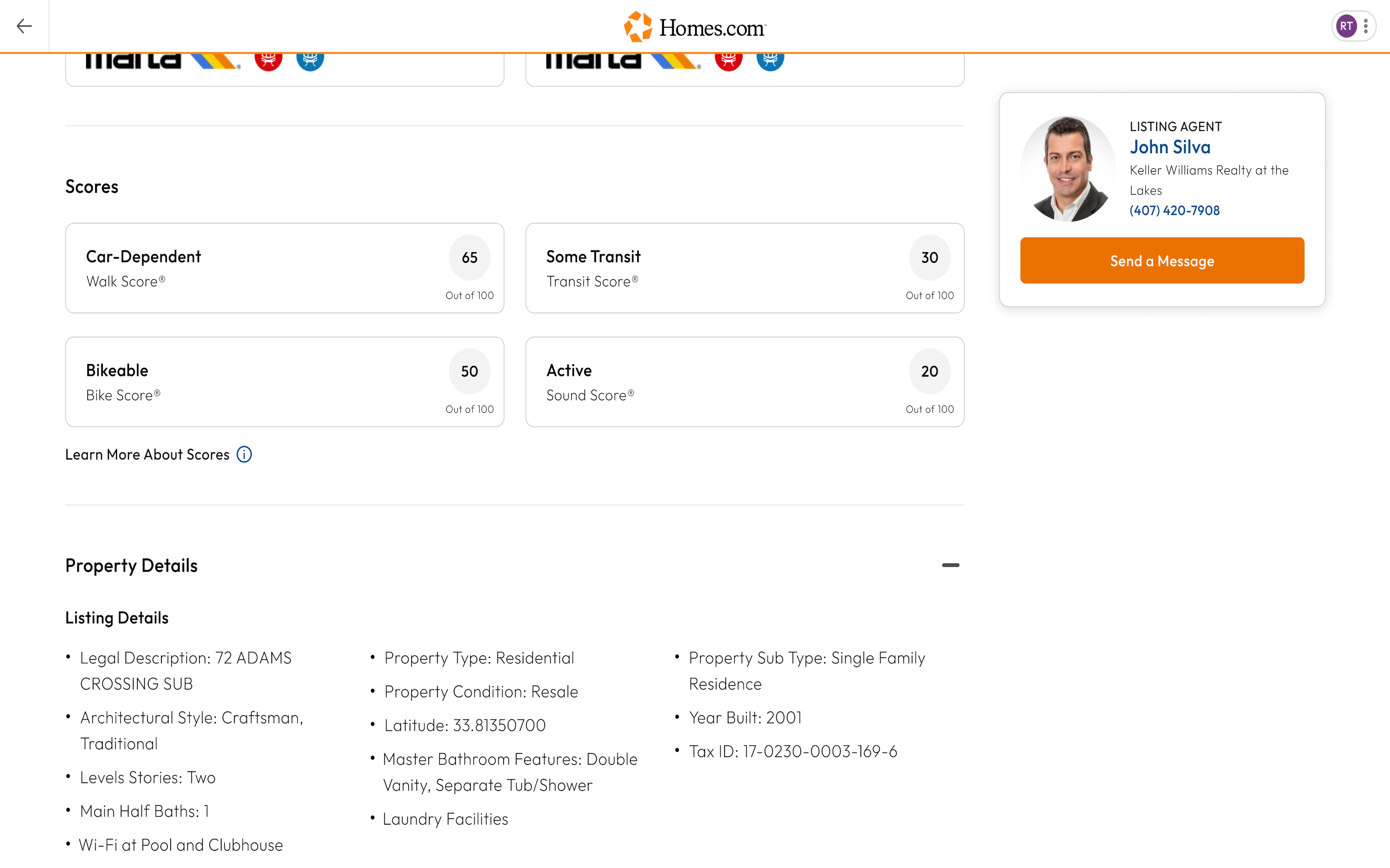
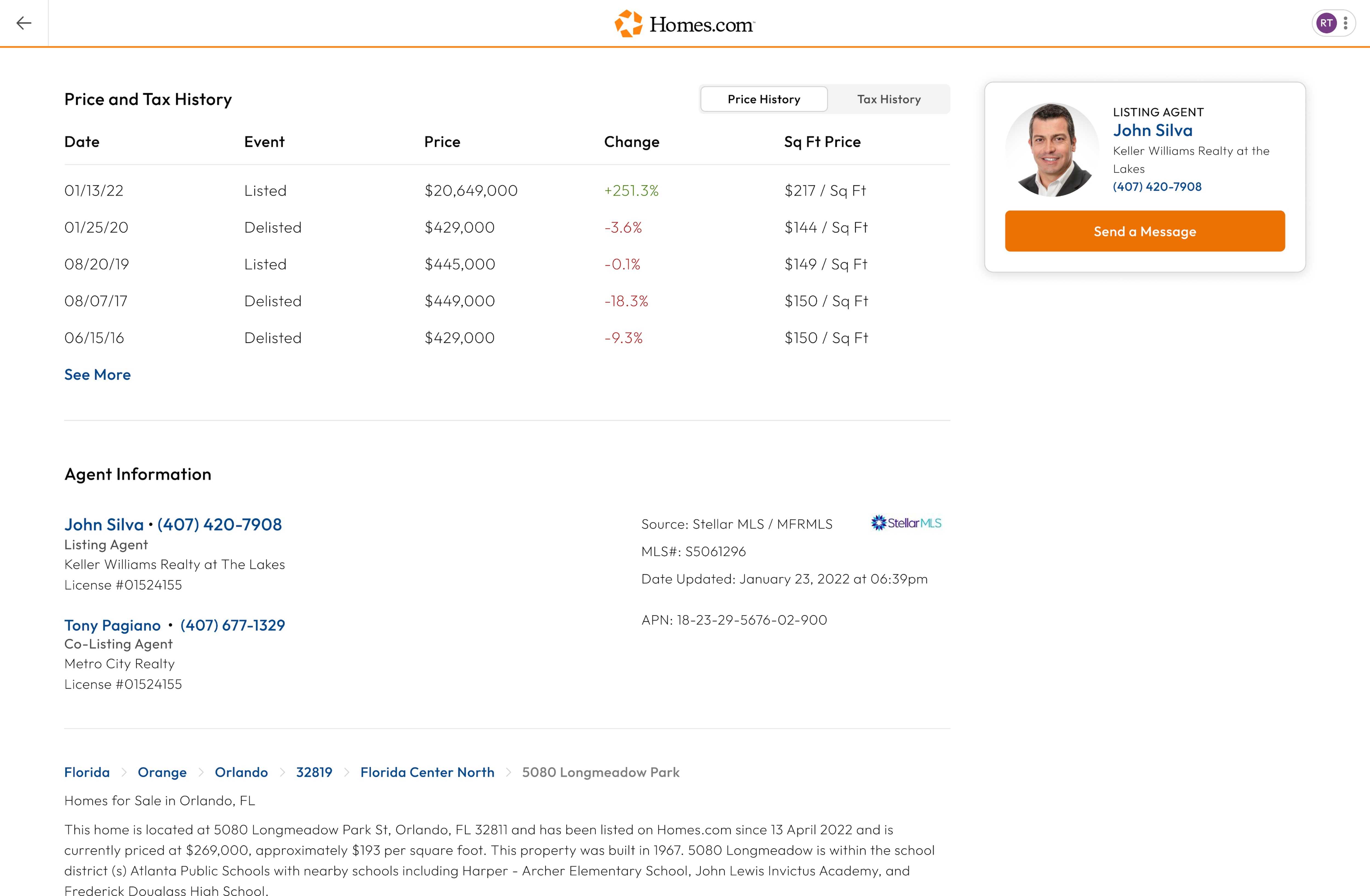
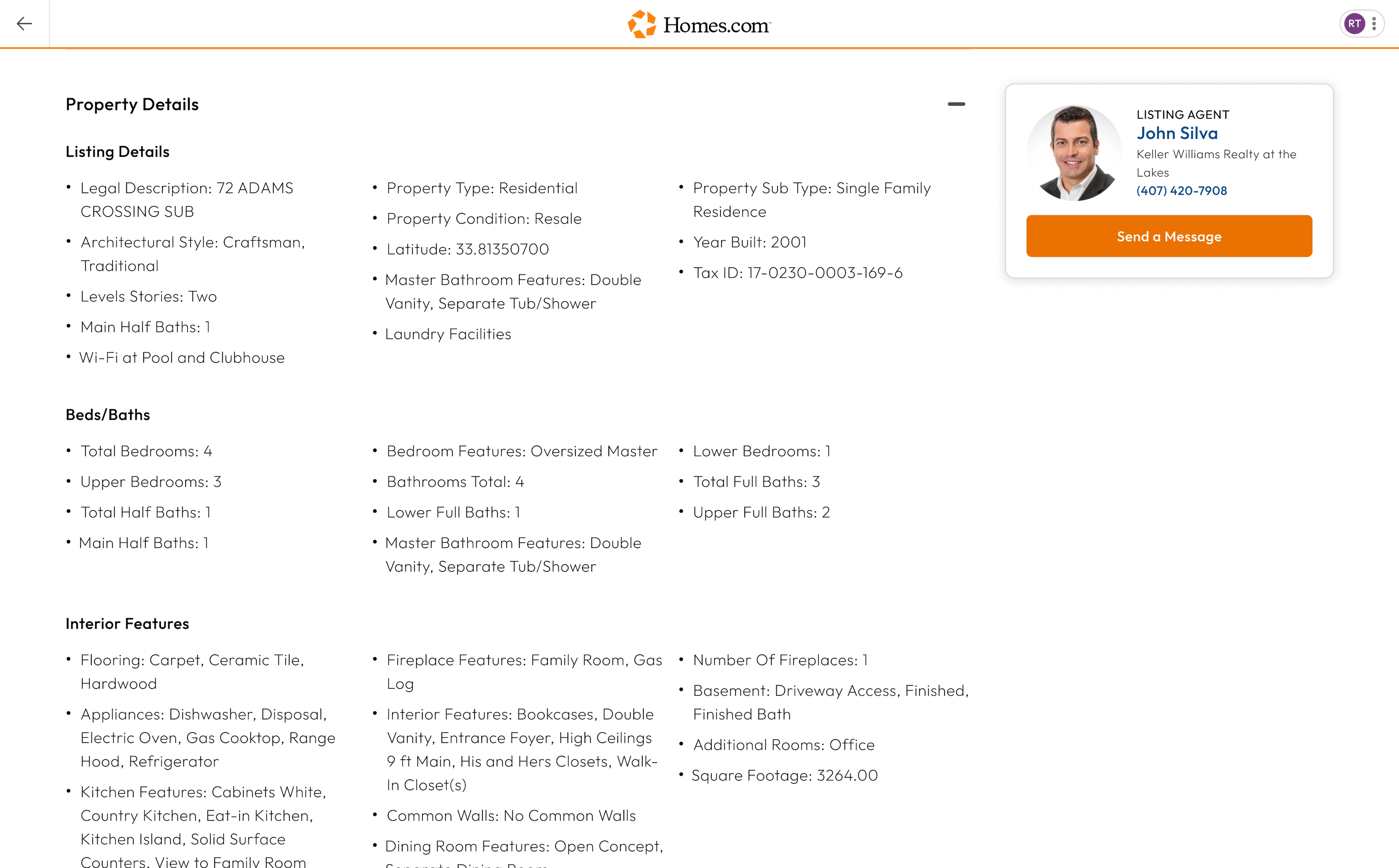
After you search for a home and click or tap on a house you like, you will arrive at the listing details page. To see all the photos of the property, click or tap on one of the photos. This will open a media gallery where you can look through all the photos of the listing.
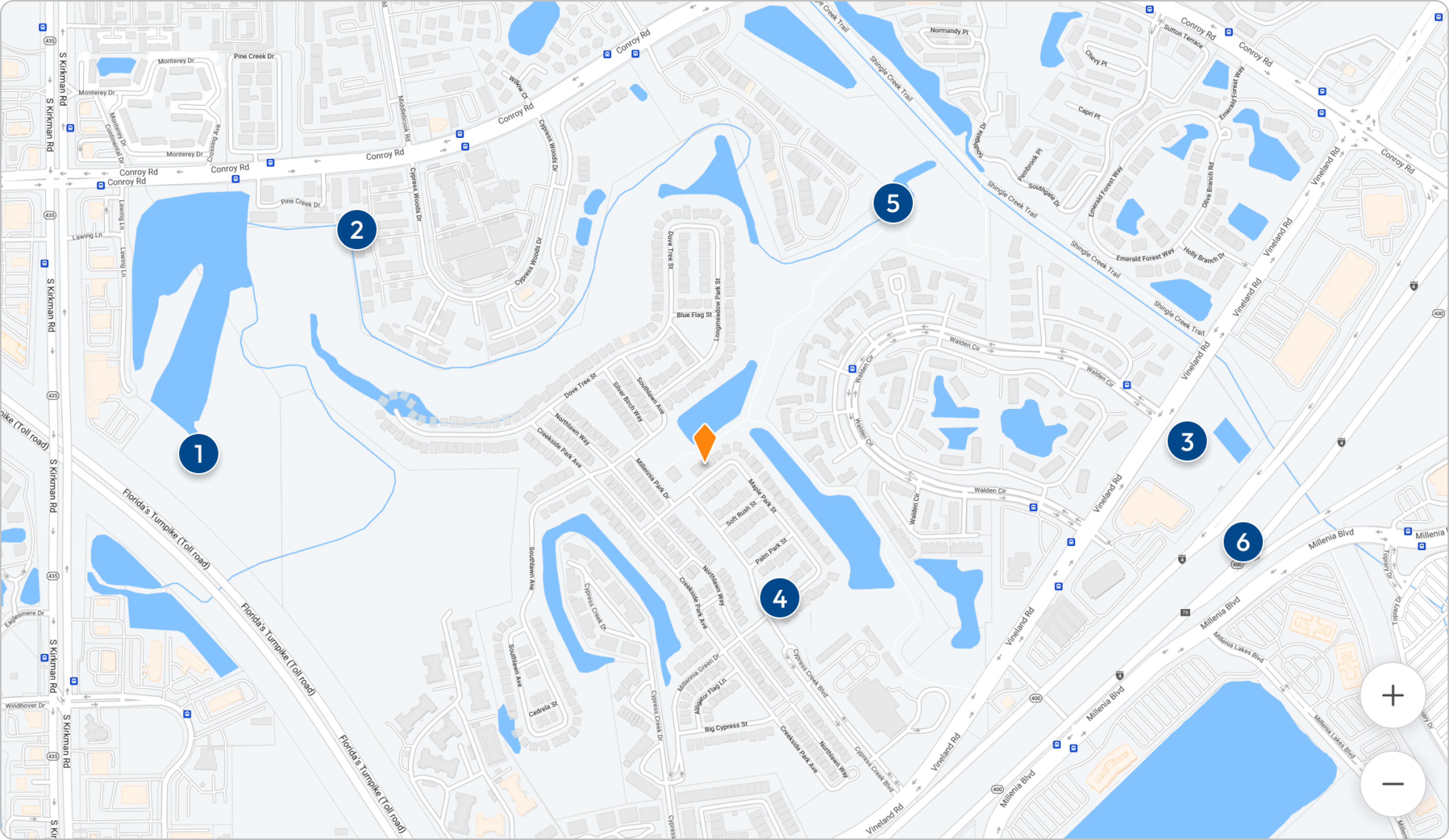
Another way to see photos of the listing is by clicking or tapping the word “Photos” in blue below the price of the listing and its address. In this section you can also access “3D Tours,” “Map,” “Satellite,” and “Street View.”
Once you access the photos (on mobile), you can see a map of where the listing is located, a satellite view, and a 3D tour or a street view of the listing by picking an option toward the left of the screen.