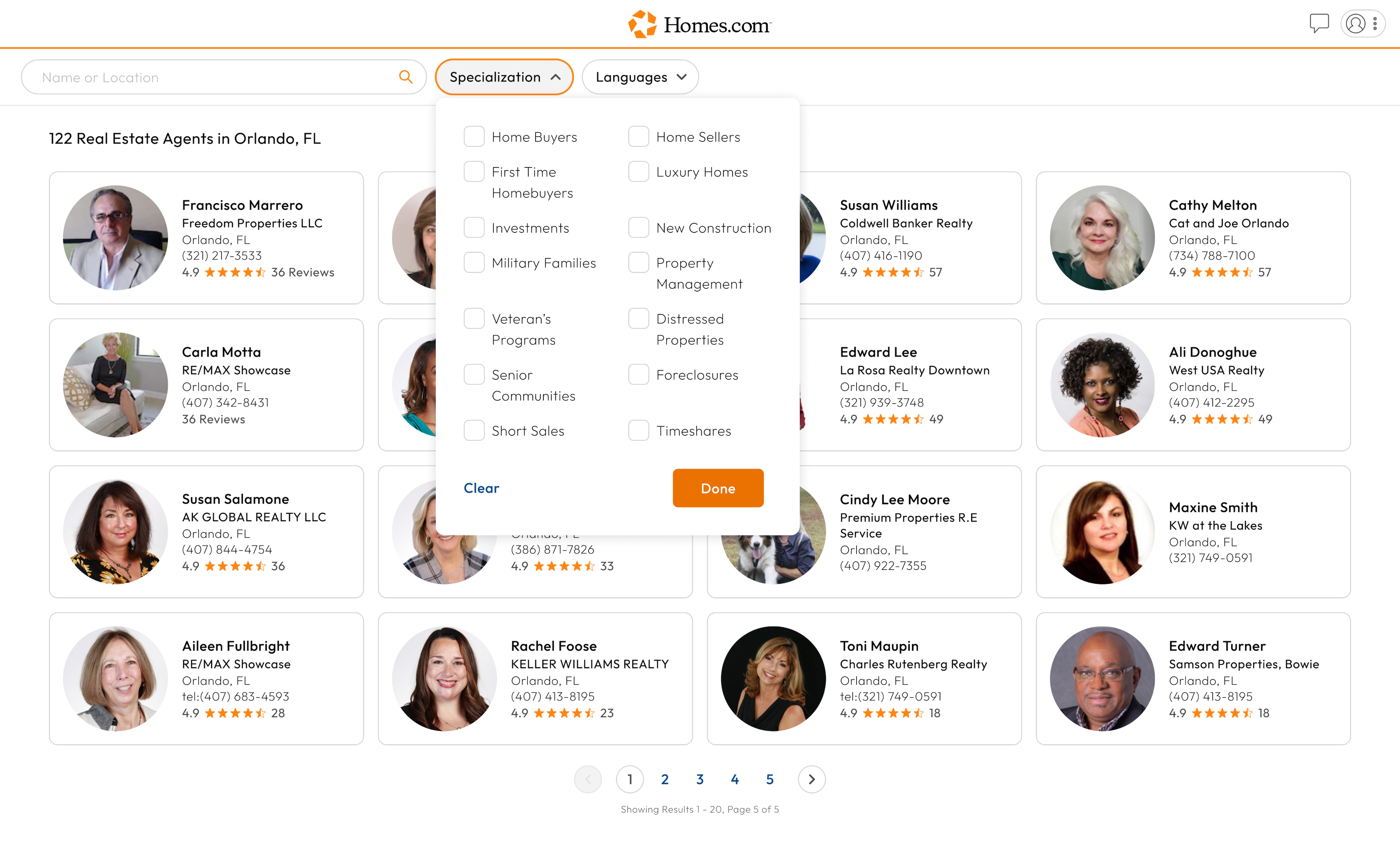
To sign in to your Homes.com account, first click or tap on the profile icon in the top left corner of your screen. A menu will drop down. Once the menu drops down, click or tap “Sign In / Sign Up.”
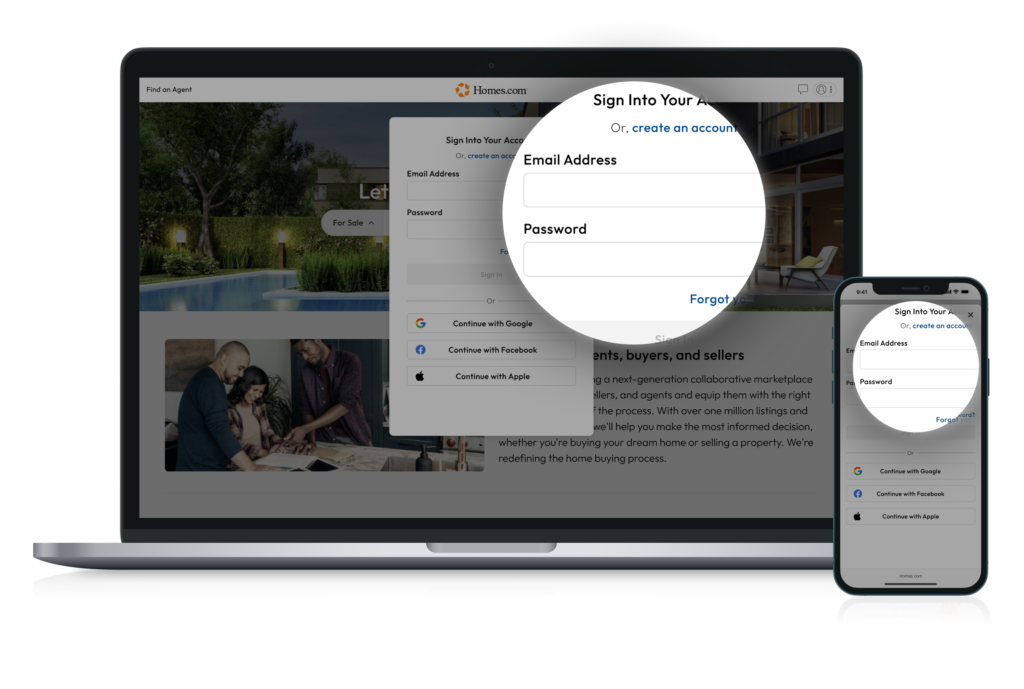
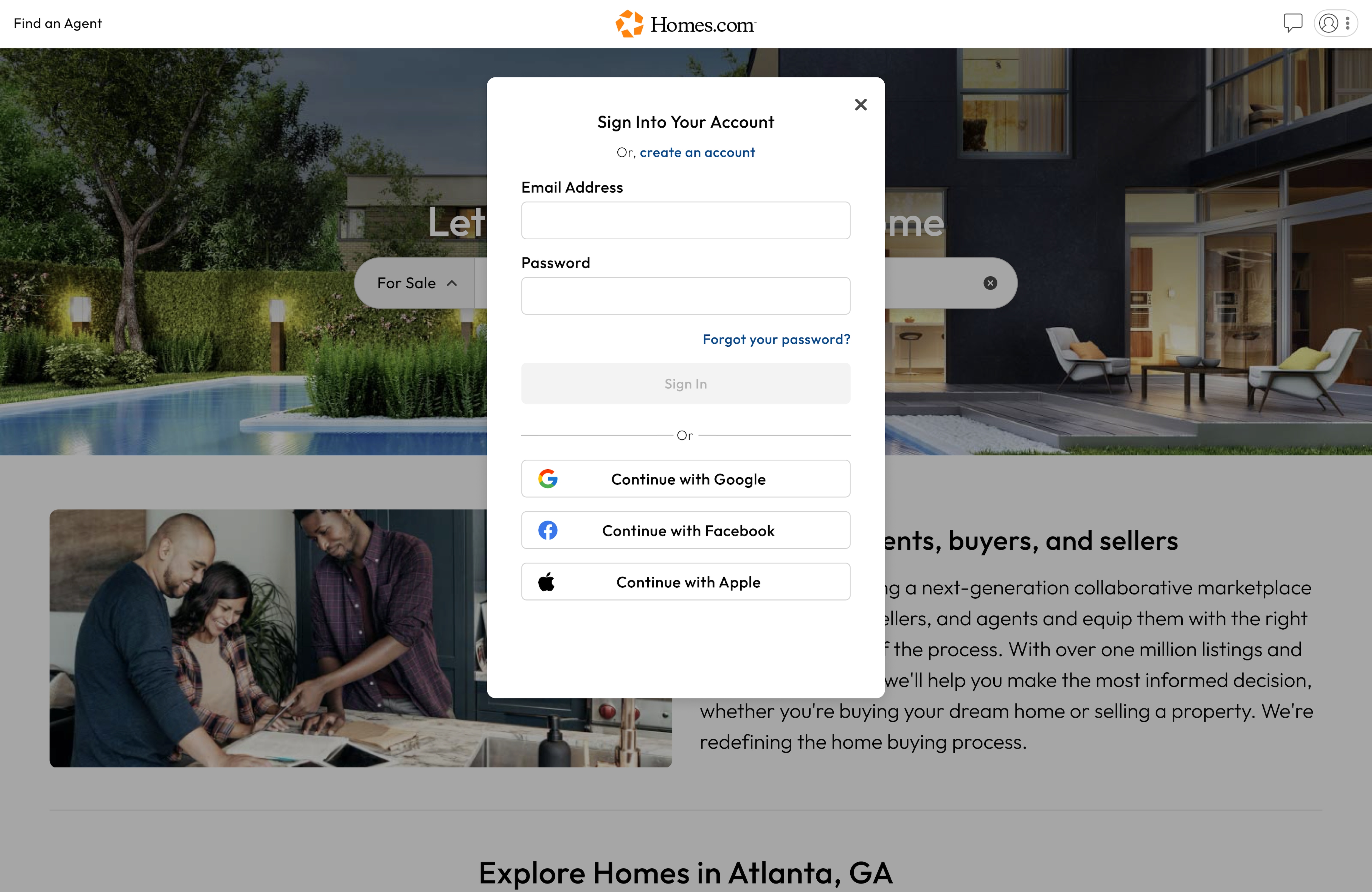
After you have clicked or tapped “Sign In / Sign Up,” you will be asked to put in your email address and password.
Once you have put in both your email and your password, select “Sign In” to get into your account.