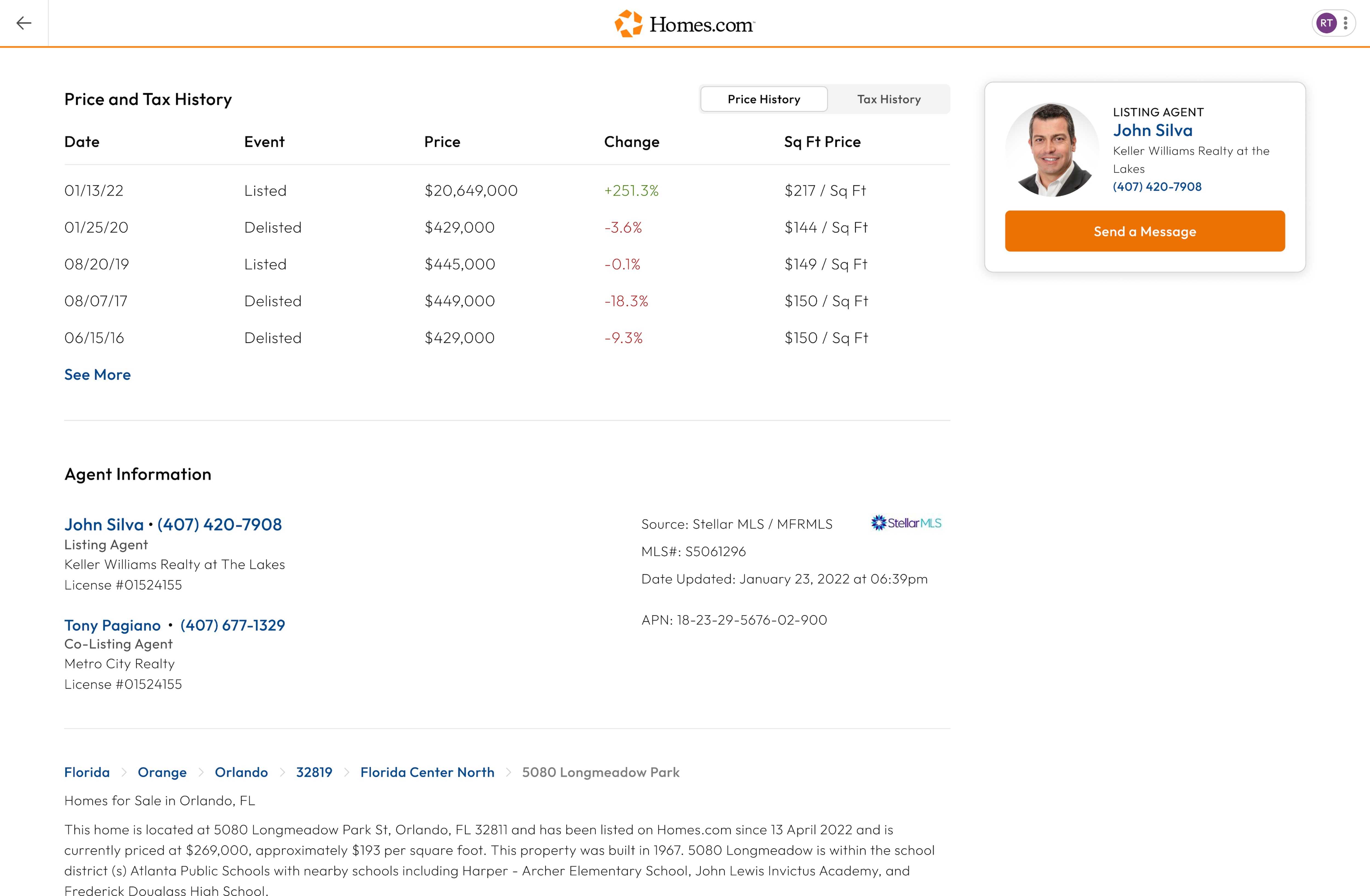
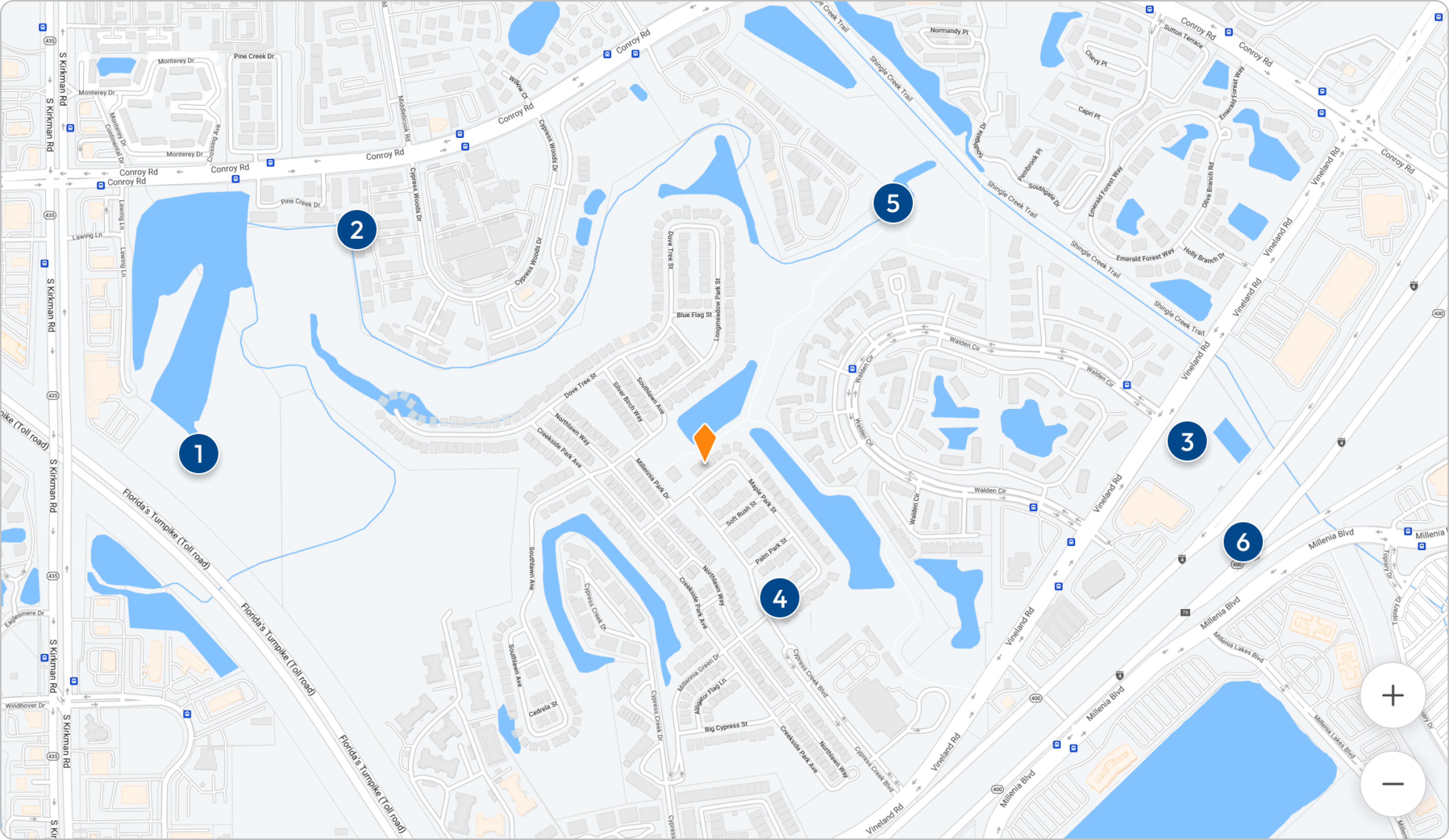
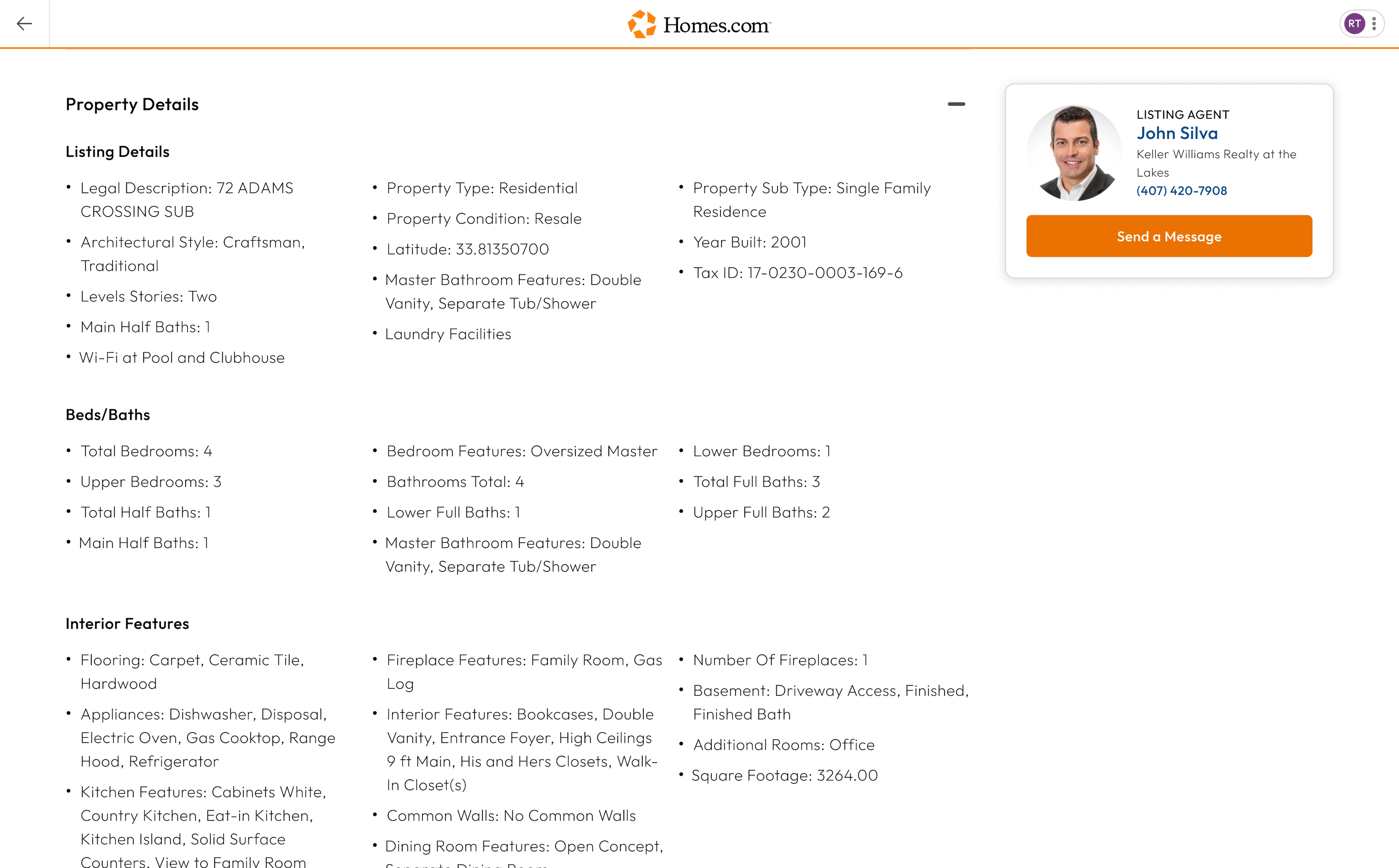
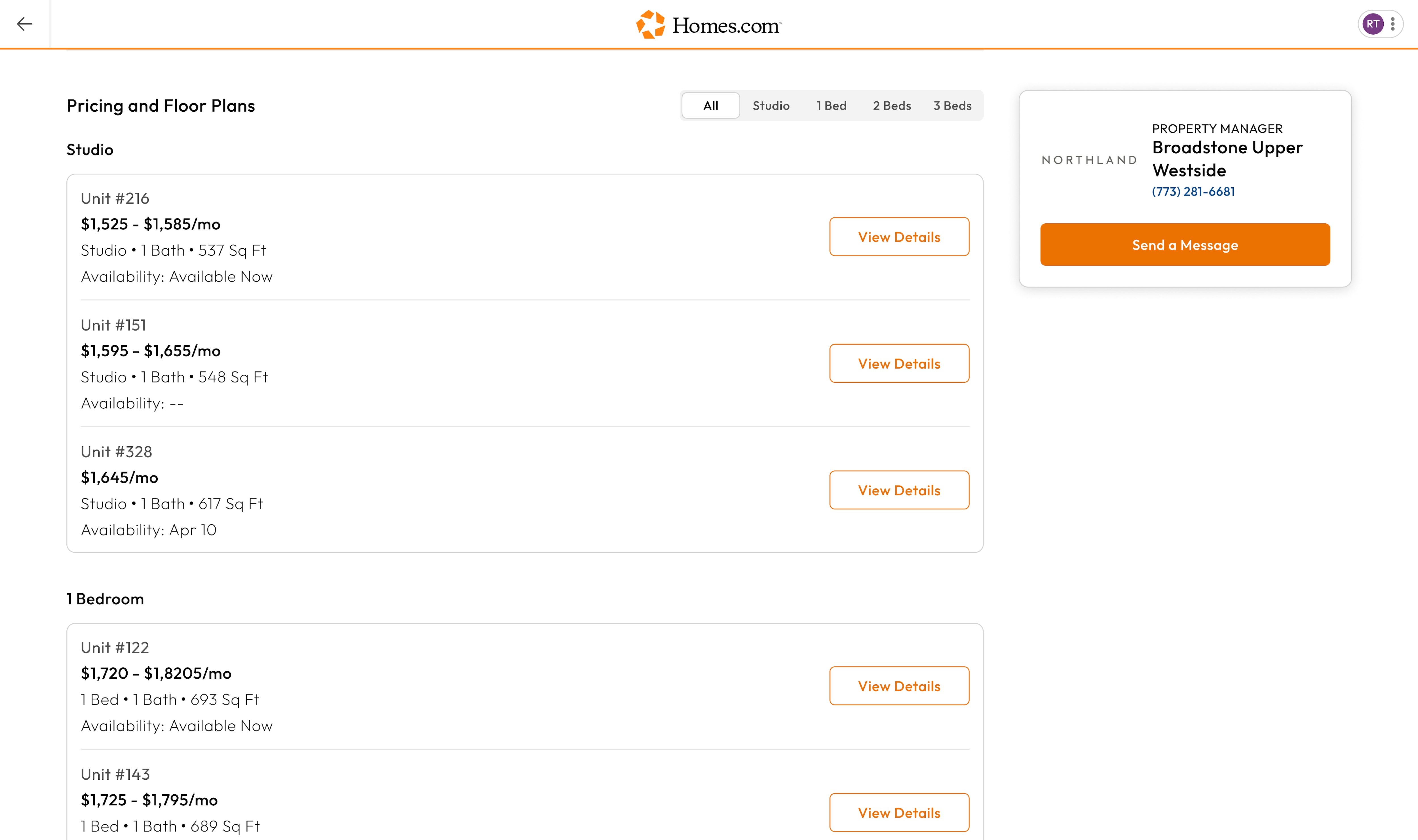
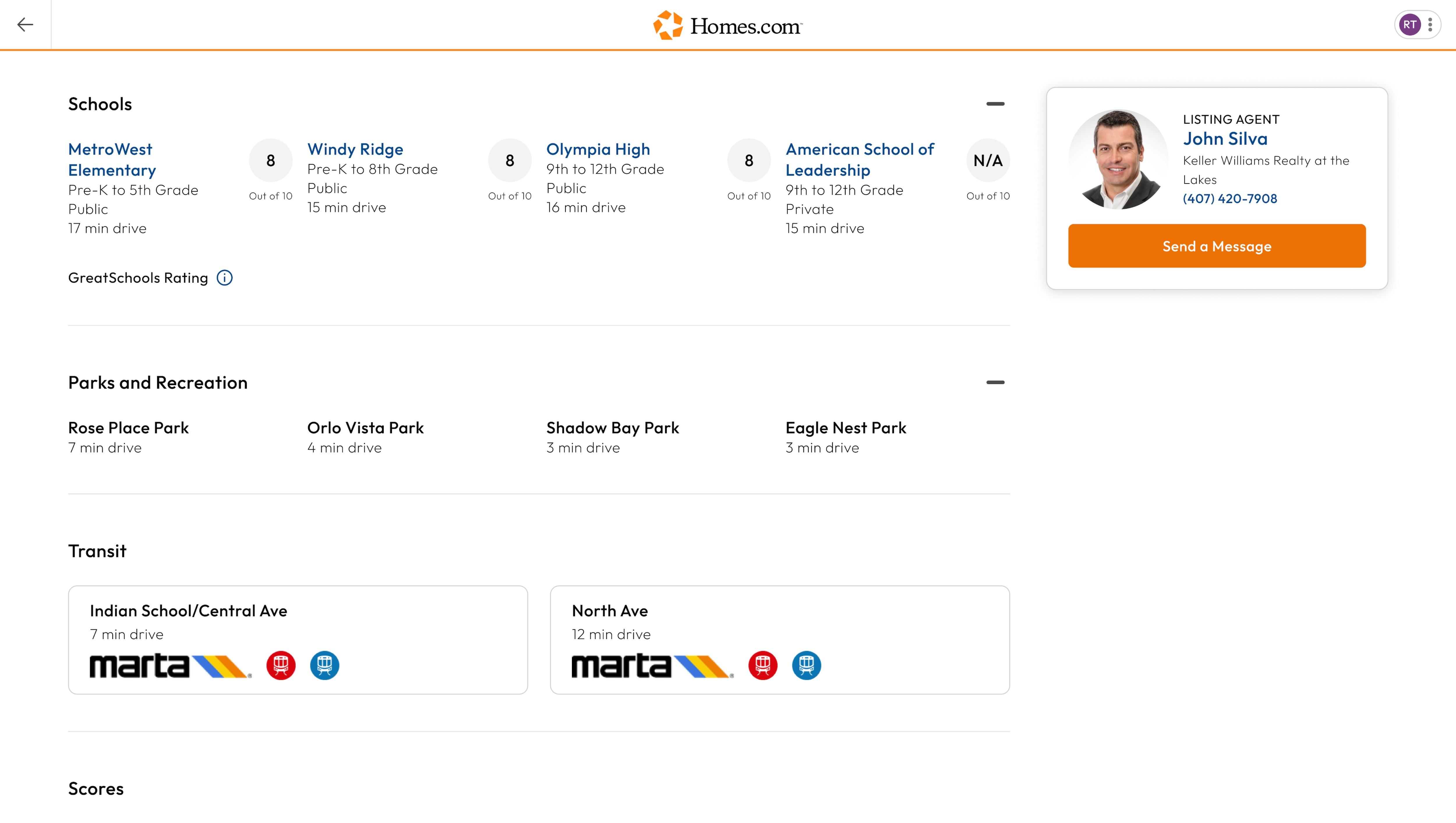
After you search for a home and click or tap on a house you like, you’ll arrive at the listing details page. This page provides you with all of the information you need about the home. If you want to know if an area is pedestrian-friendly or has good public transit, scroll down to the “Scores” section.
The “Scores” section is located right below the “Transit” Section on Homes.com. In the scores section you will see a “Walk Score,” which measures the walkability of the listing, a “Transit Score,” which measures access to public transit, a “Sound Score,” which measures how much noise is in the area, and a “Bike Score,” which measures the bikeability of any address.
Check out our blog article on how to use walk, bike, transit, and sound scores to help you figure out which neighborhood best fits your needs.