Listing Features What Does Off Market Mean? If a listing says “Off Market,” then the listing has been taken off the market, it is not for sale,…
Listing Features What Does Pre-Foreclosure Mean? If a listing says “Pre-Foreclosure,” this means that the borrower is in default on their loan obligation and/or the bank…
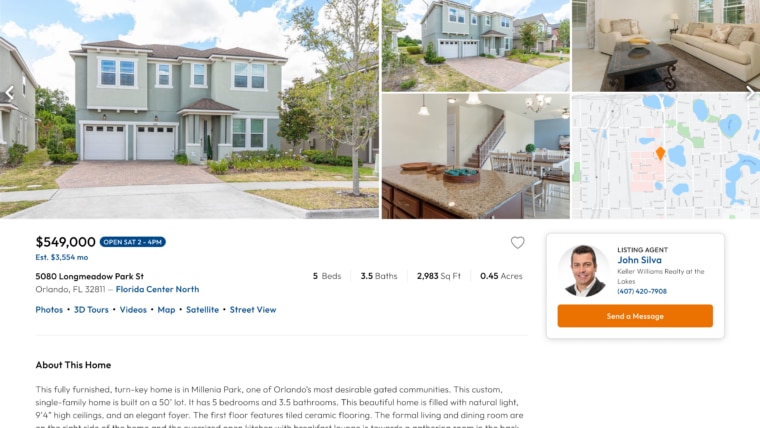
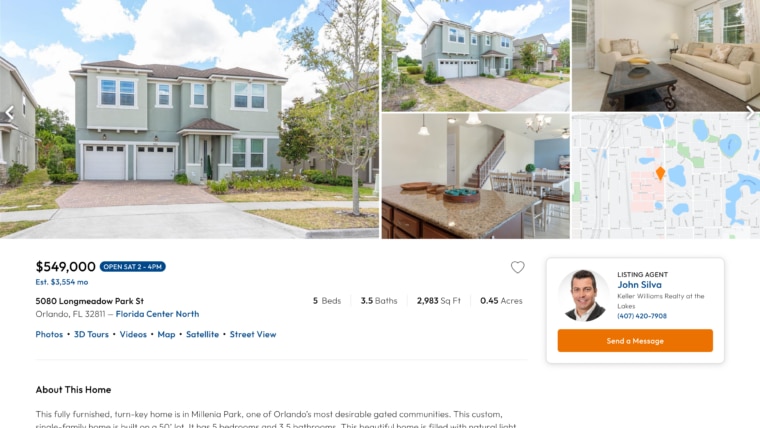
Listing Features How Do I Know If a Listing Has an Open House? After you search for a home and click or tap on a house you like, you’ll arrive at the listing…
Listing Features Where Is the Listing Agent on the Listing? After you search for a home and click or tap on a house you like, you’ll arrive at the listing…
Features How Do I Delete My Drawing on the Map? To clear the map of your drawing, make sure you have drawn something on the map. Once you have drawn…
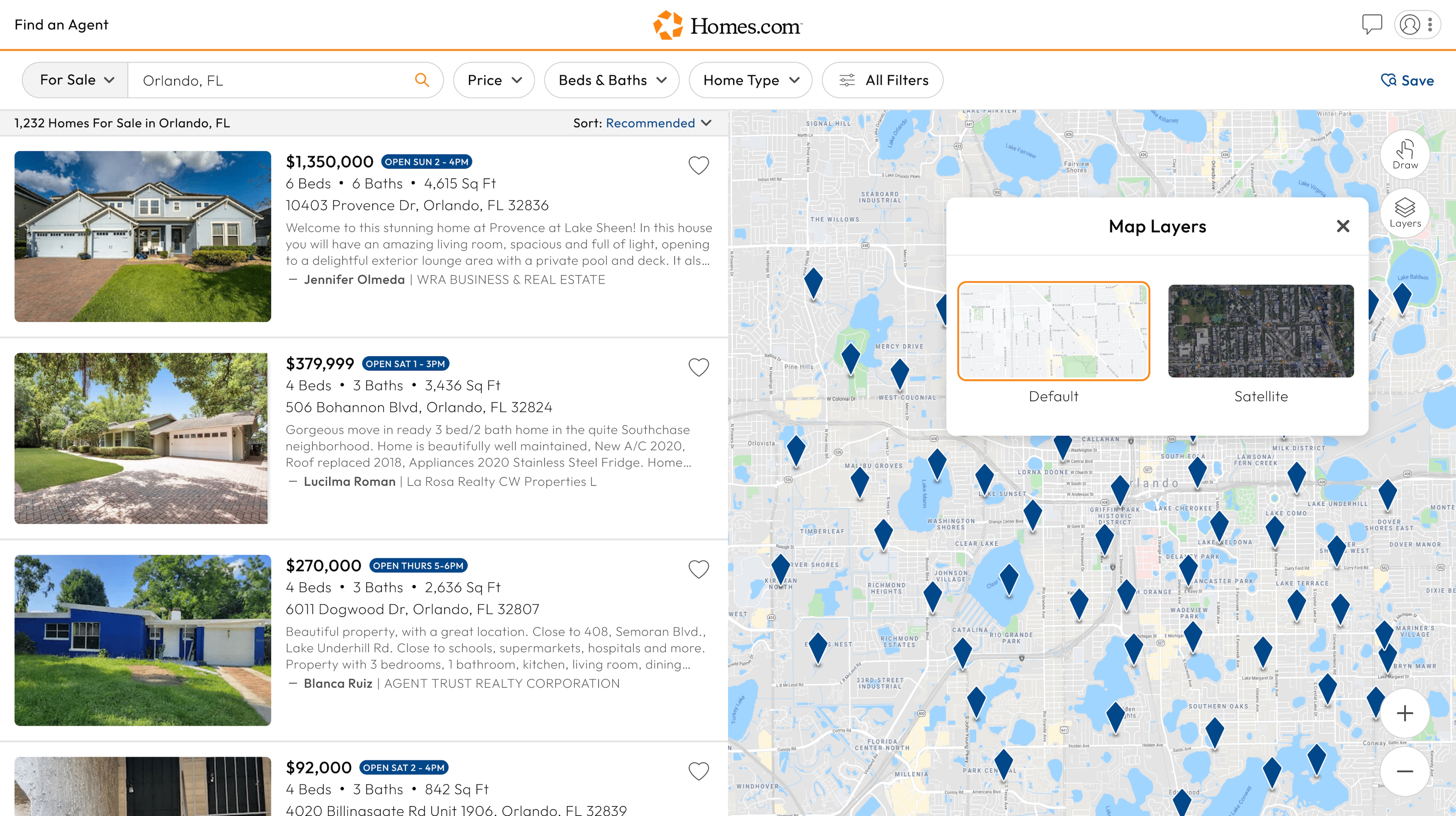
Features How Do I Use Layers on the Map? First, you must complete an initial search on Homes.com. Once you complete an initial search, you will see a map…
Features How Do I Use the Draw Tool? To use the “Draw” tool, you first need to complete an initial search on Homes.com. Once you complete an initial…
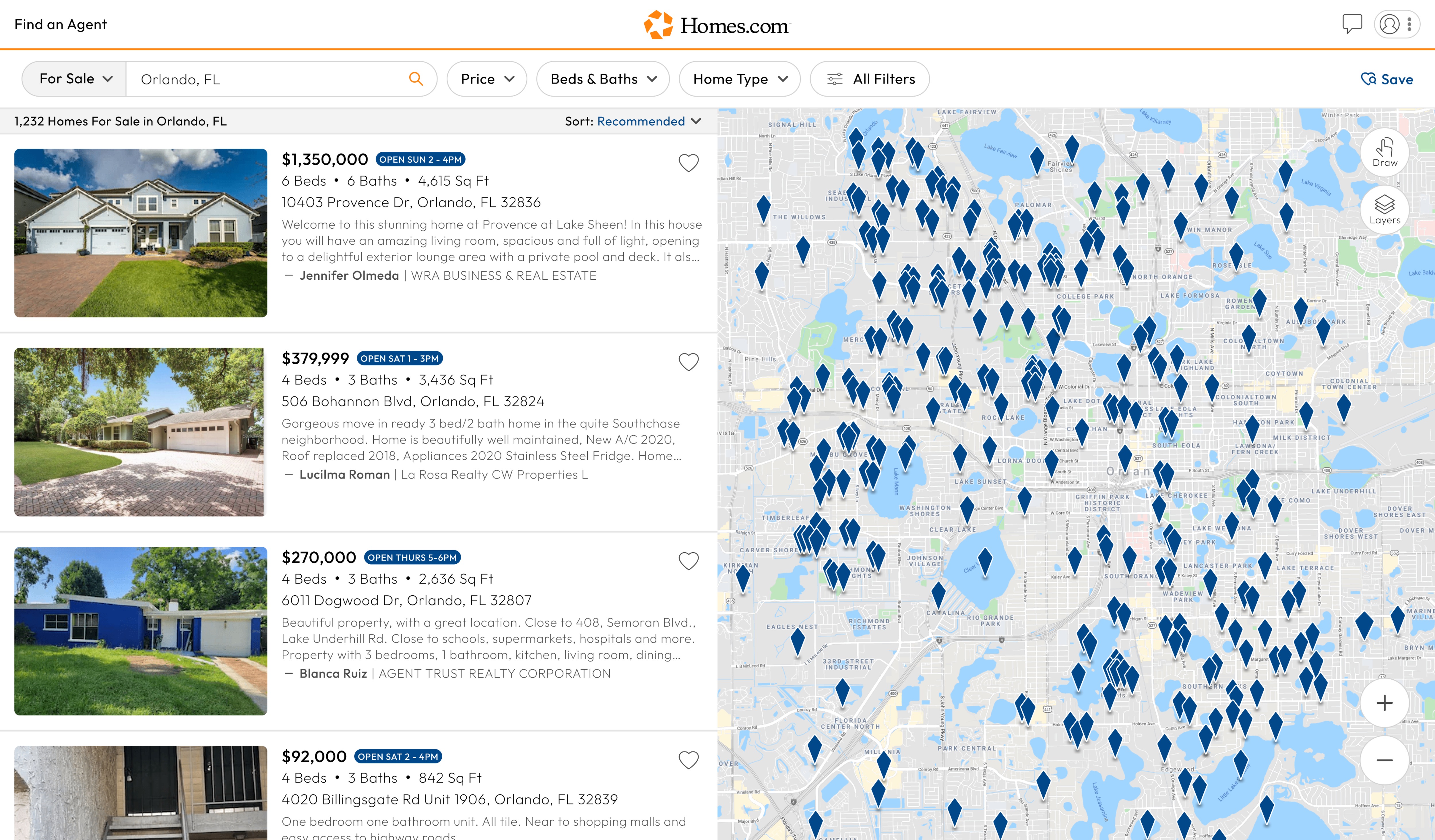
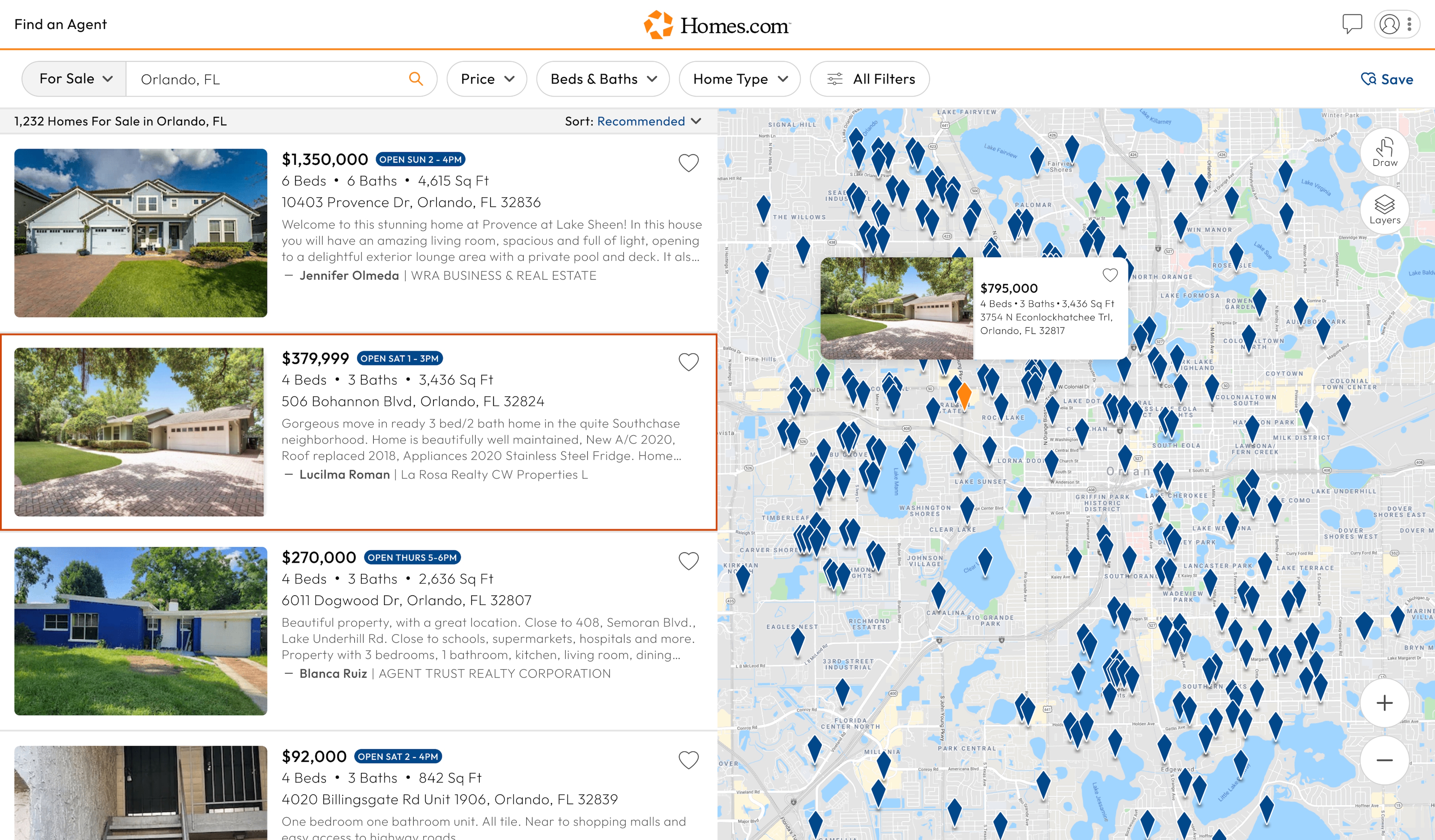
Features How Do I Use the Map? After you’ve searched for a location on Homes.com, you’ll see a list of homes on the left side of your…
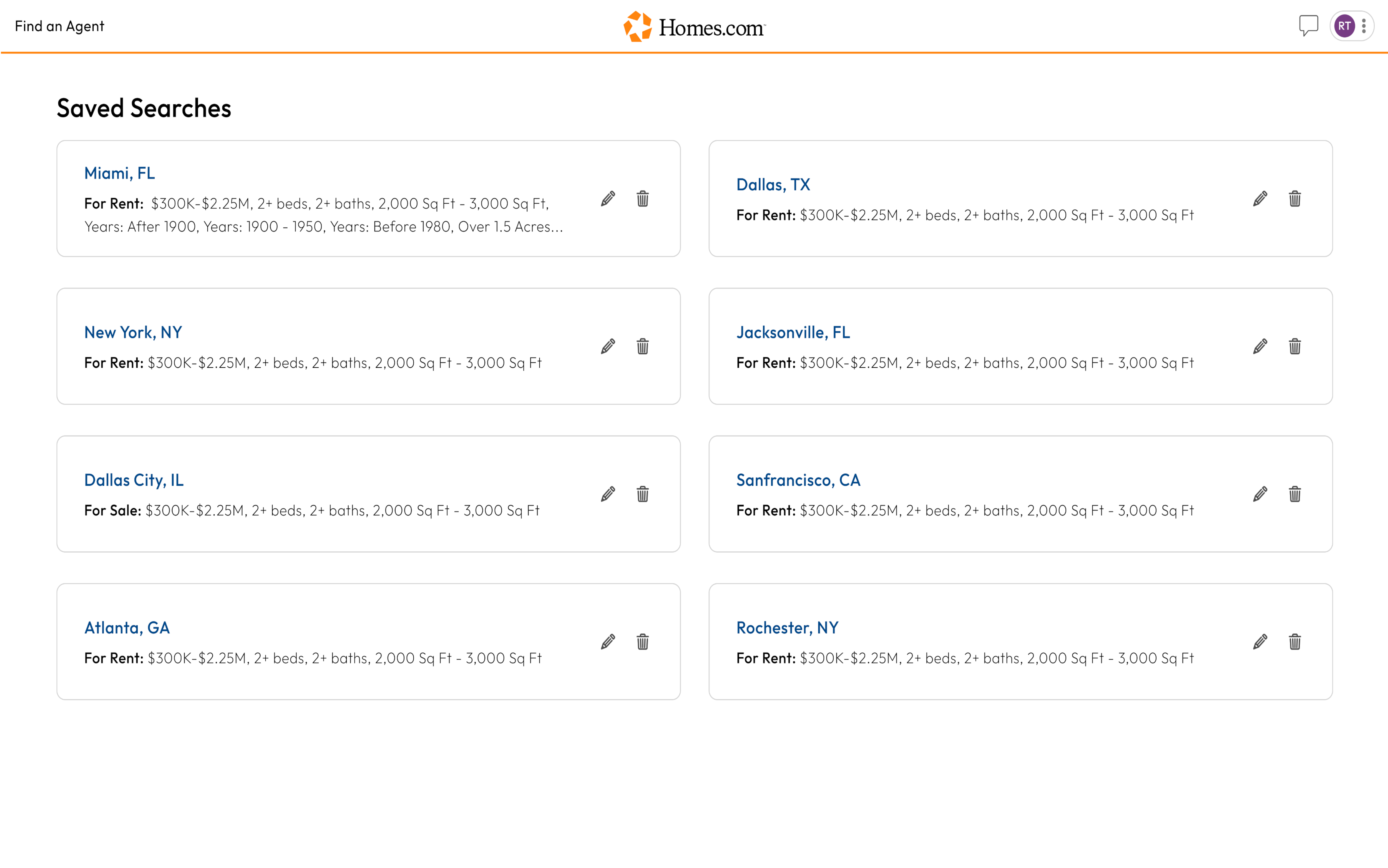
Features How Do I Delete a Saved Search? To delete a saved search, go to your saved searches by clicking or tapping on the profile icon in the…
Search How Do I Edit My Saved Searches? To edit your saved search, first access all your saved searches. To do this, click or tap on the profile…
Features, Search How Do I Save My Search? First, you’ll need to complete an initial search. After you click to search, you will arrive on the search results…
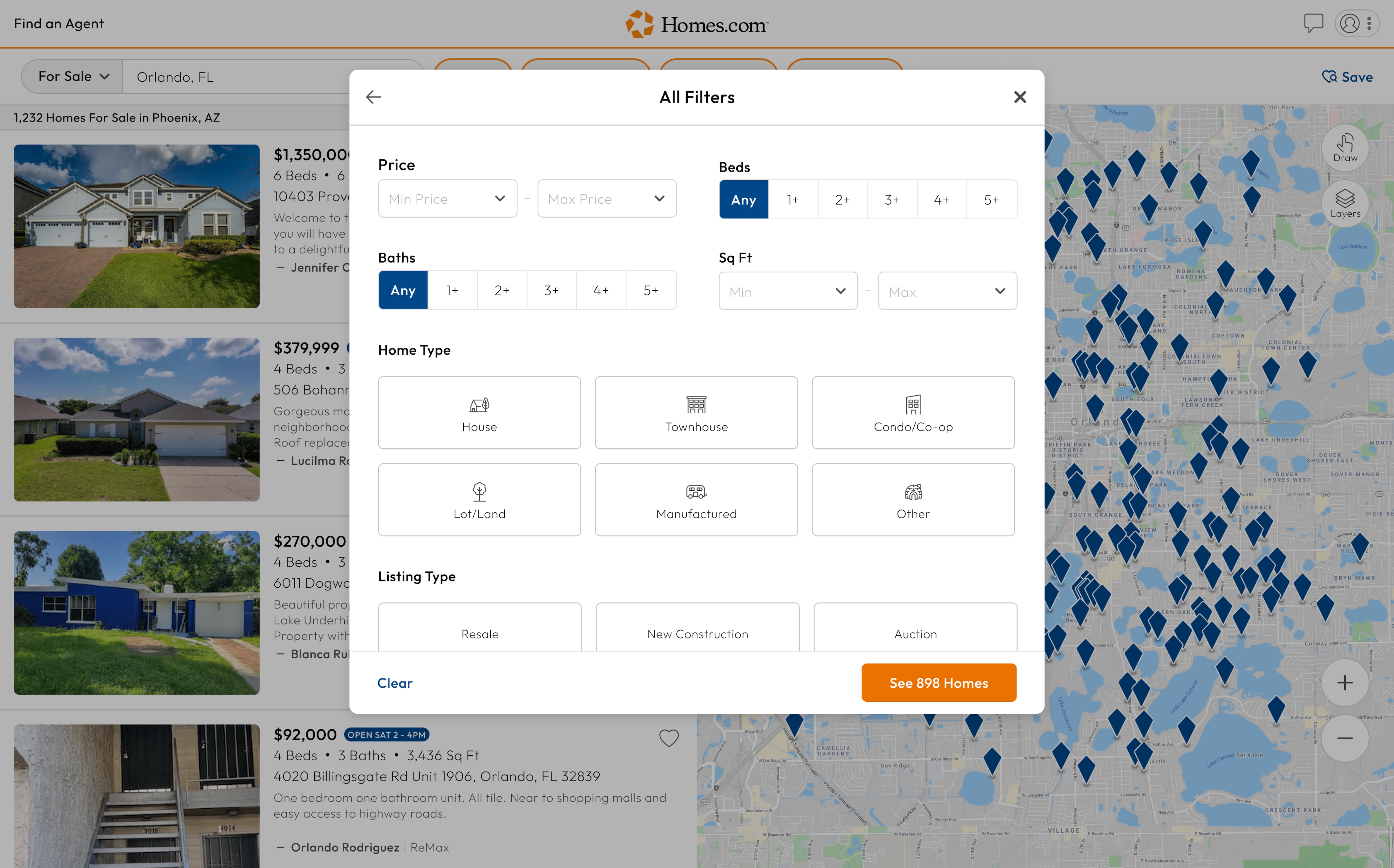
Features How Do I Use the Filters When Searching for Homes? To use filters, you first need to complete an initial search by searching for your home via location. Once you…
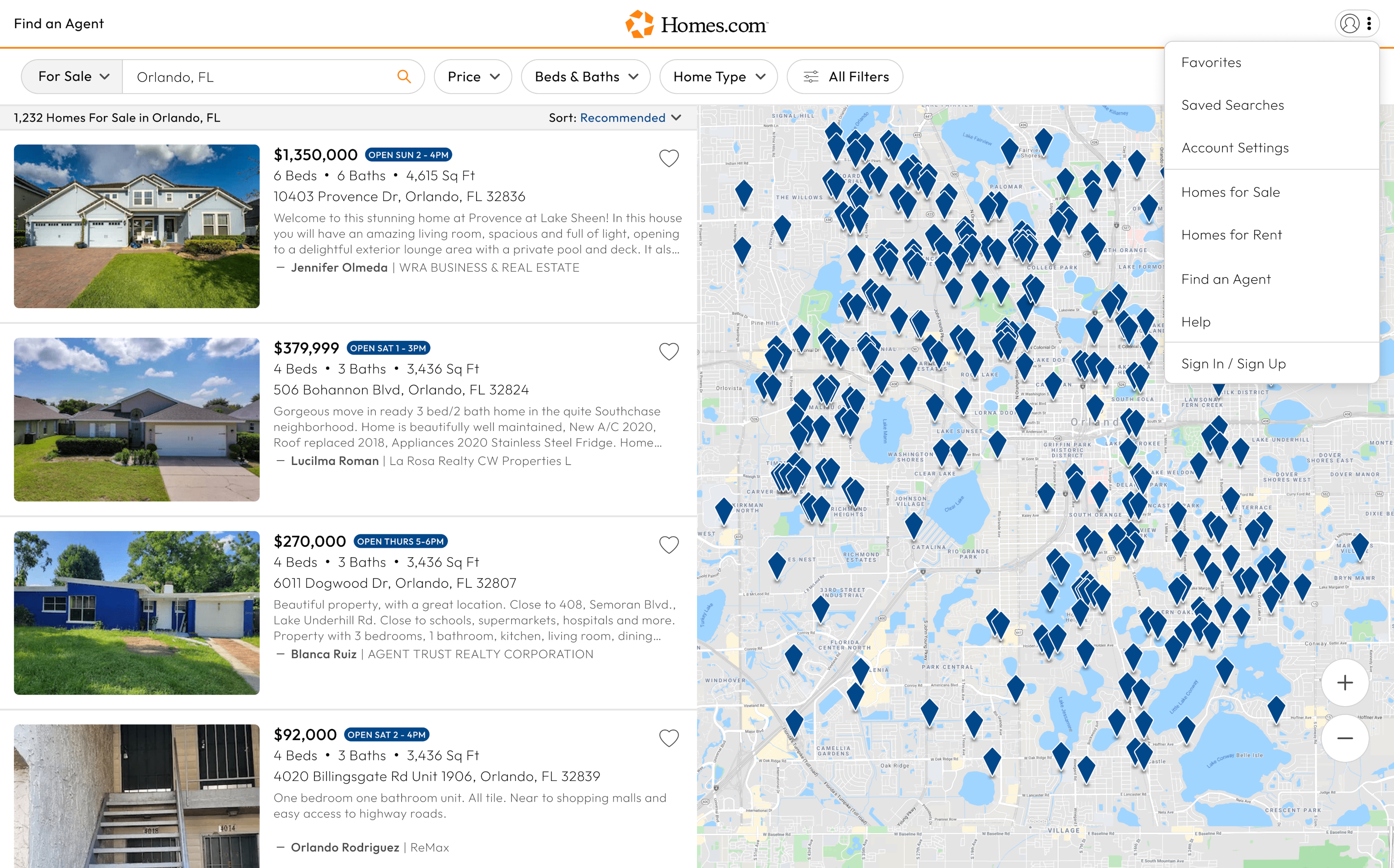
Search How Do I Search for Homes? To search for homes on Homes.com, go to the home page or tap the “Search” icon at the bottom of…
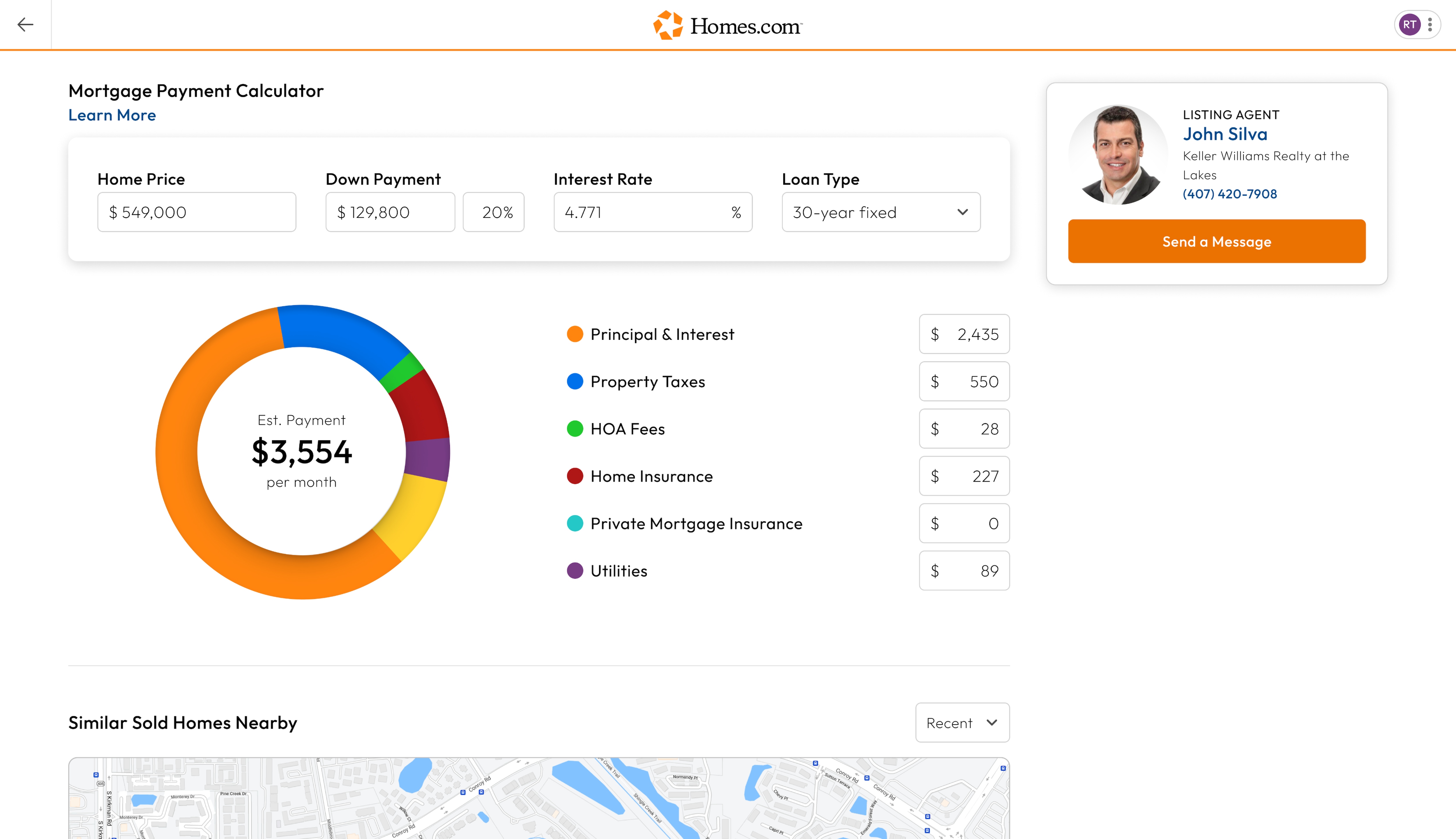
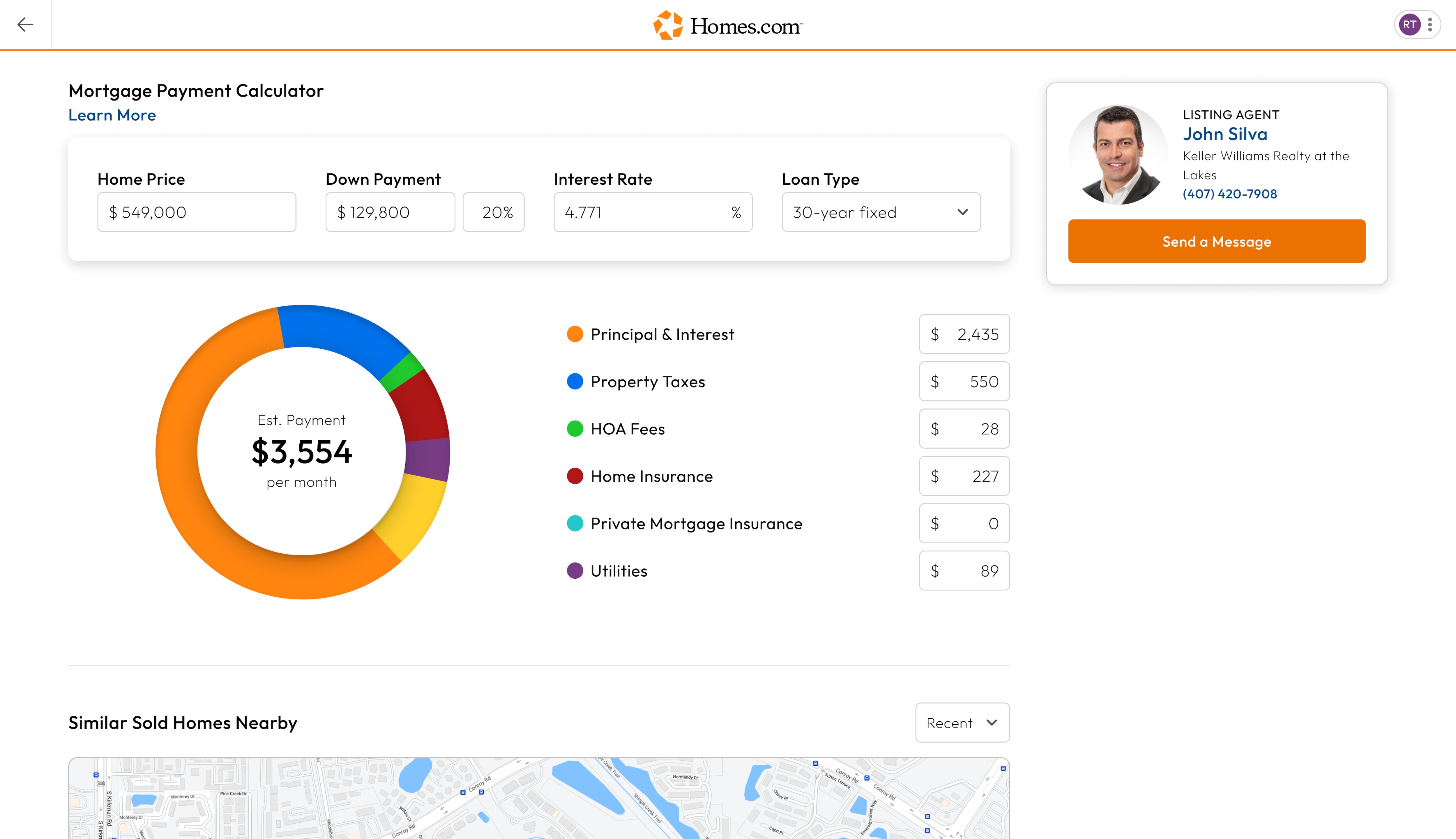
Features How Do I Use the Pie Chart in the Monthly Payment Calculator? After you search for a home and click or tap on a house you like, you’ll arrive at the listing…
Features How to Use the Monthly Payment Calculator After you search for a home and click or tap on a house you like, you’ll arrive at the listing…
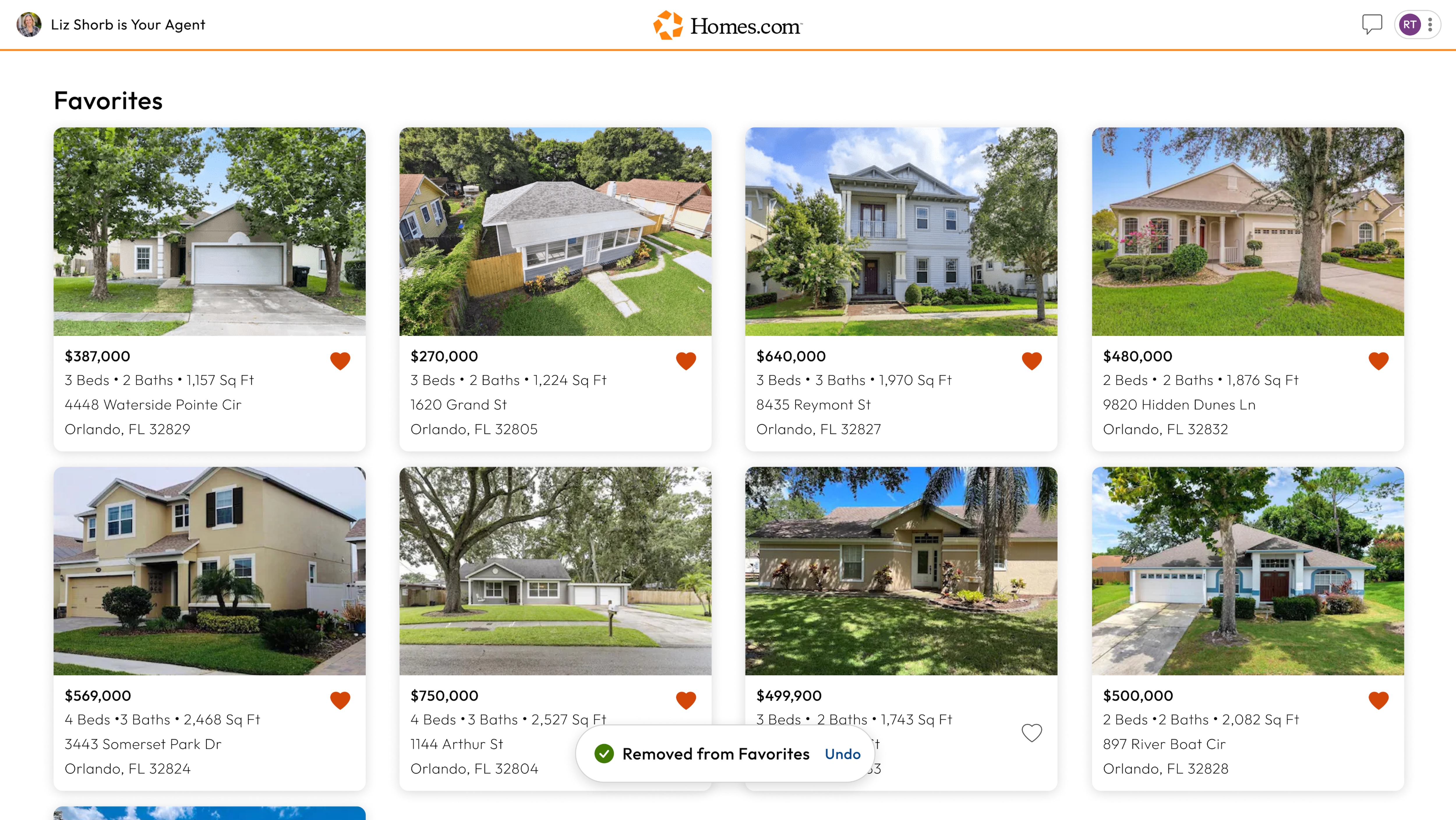
Account Settings, Features Where Can I Find My Favorites? On desktop, to find listings you have already favorited, click on the profile icon in the right corner and a…
Account Settings, Features How Do I Add a Home to My Favorites? If you see a listing you like, Homes.com has a feature where you can “favorite” a home to keep track…
General Where Does Homes.com Get All Their Listings? Homes.com receives a direct listing feed from the MLS. To learn more about the MLS and where Homes.com gets their…
Search How Do I Contact the Listing Agent for a Home? To contact a listing agent for any property, first go to the property’s listing details page. The listing details page…
Features, General How Do I Schedule a Tour of a House? To schedule a tour of a house, go to the listing page of the house you would like to tour….
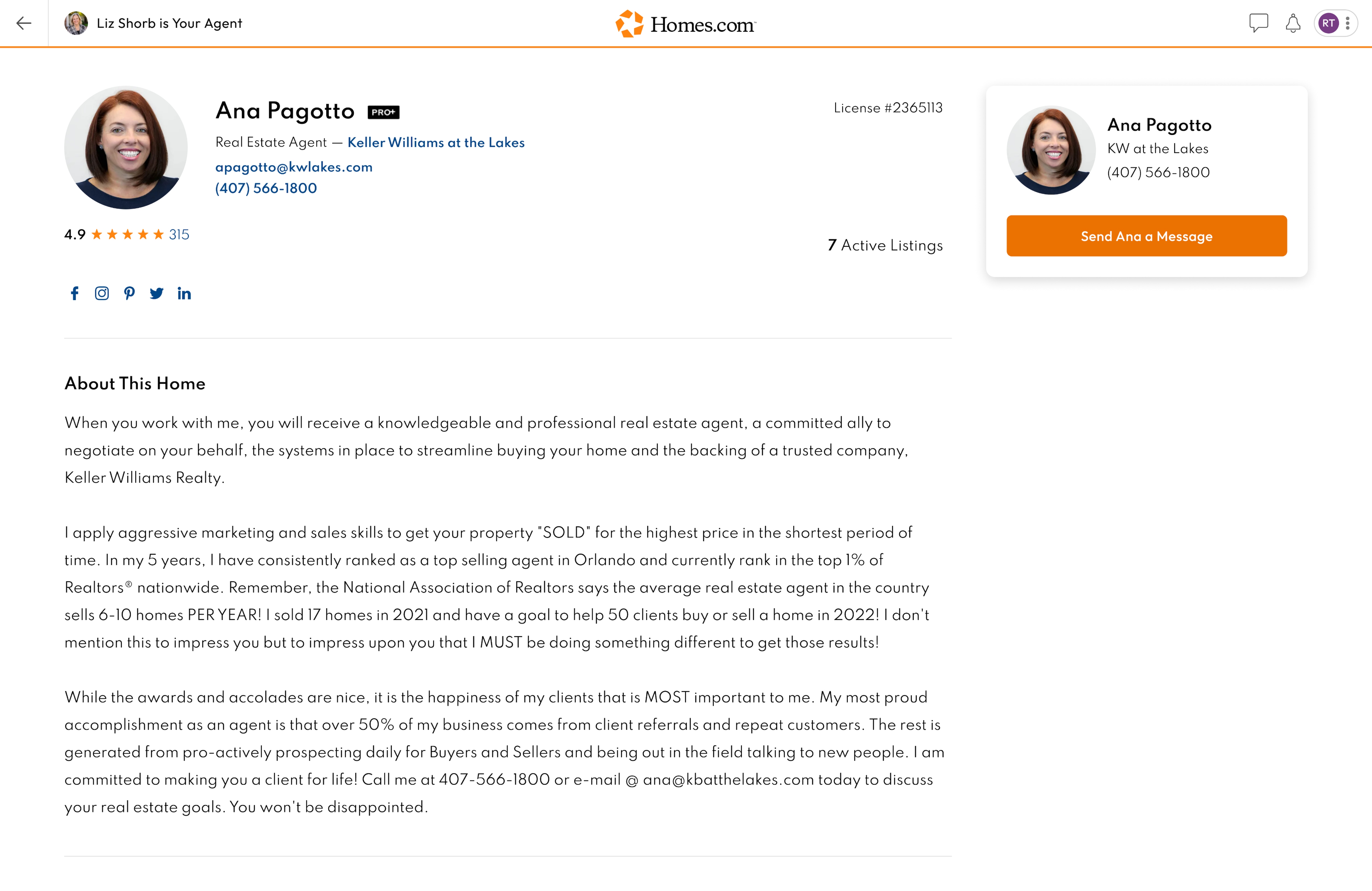
Search How Do I Contact an Agent? You can contact your agent by searching for their name under the “Find Agent” feature, clicking or tapping on their…
Search How Do I Find an Agent? Whether you are looking for a listing or selling agent, you can easily find them on Homes.com. Start by going…
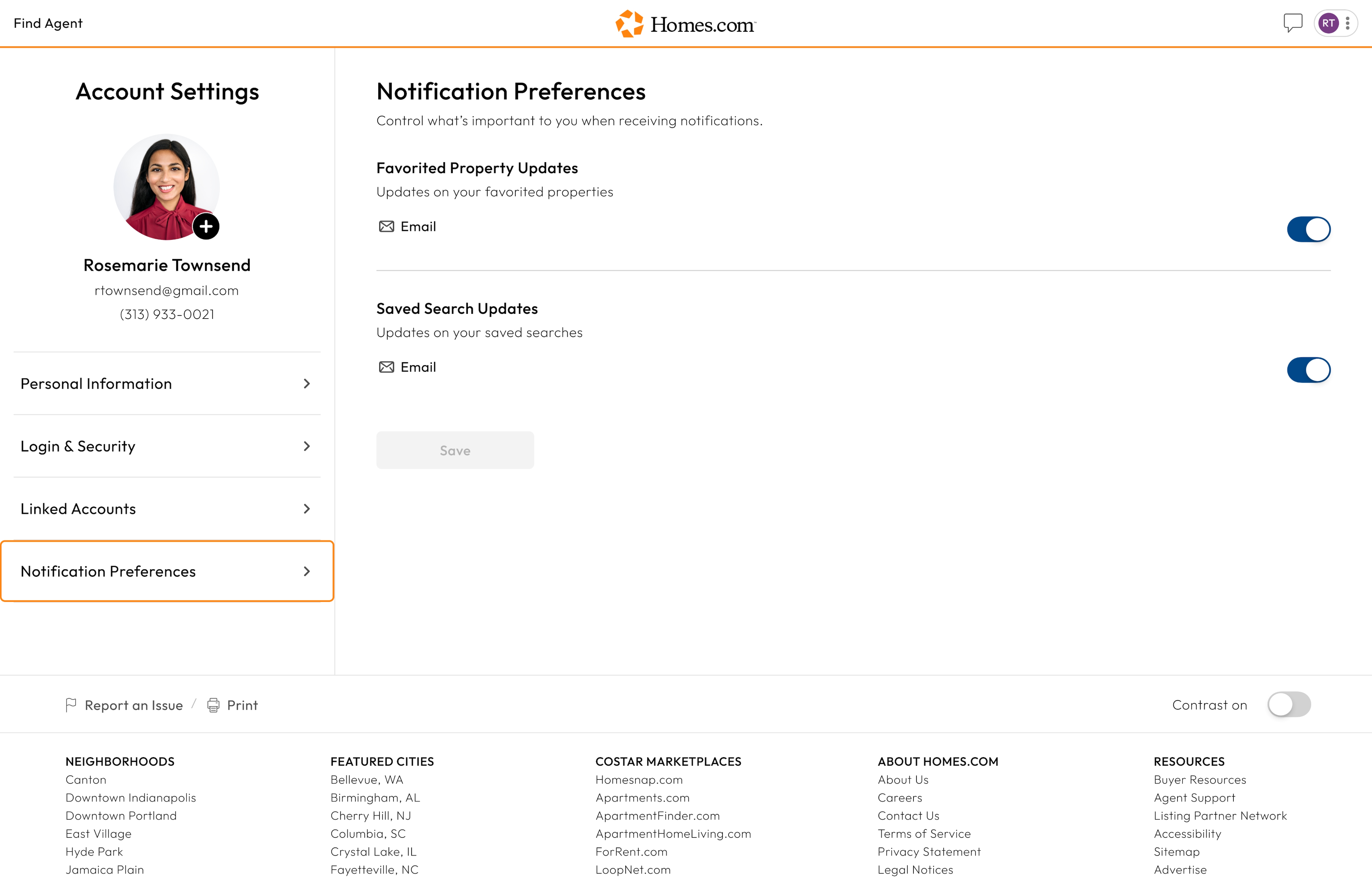
Account Settings How Do I Update My Notification Preferences? To update your notification preferences, go to your account settings on Homes.com. Here, you will see a menu under your…
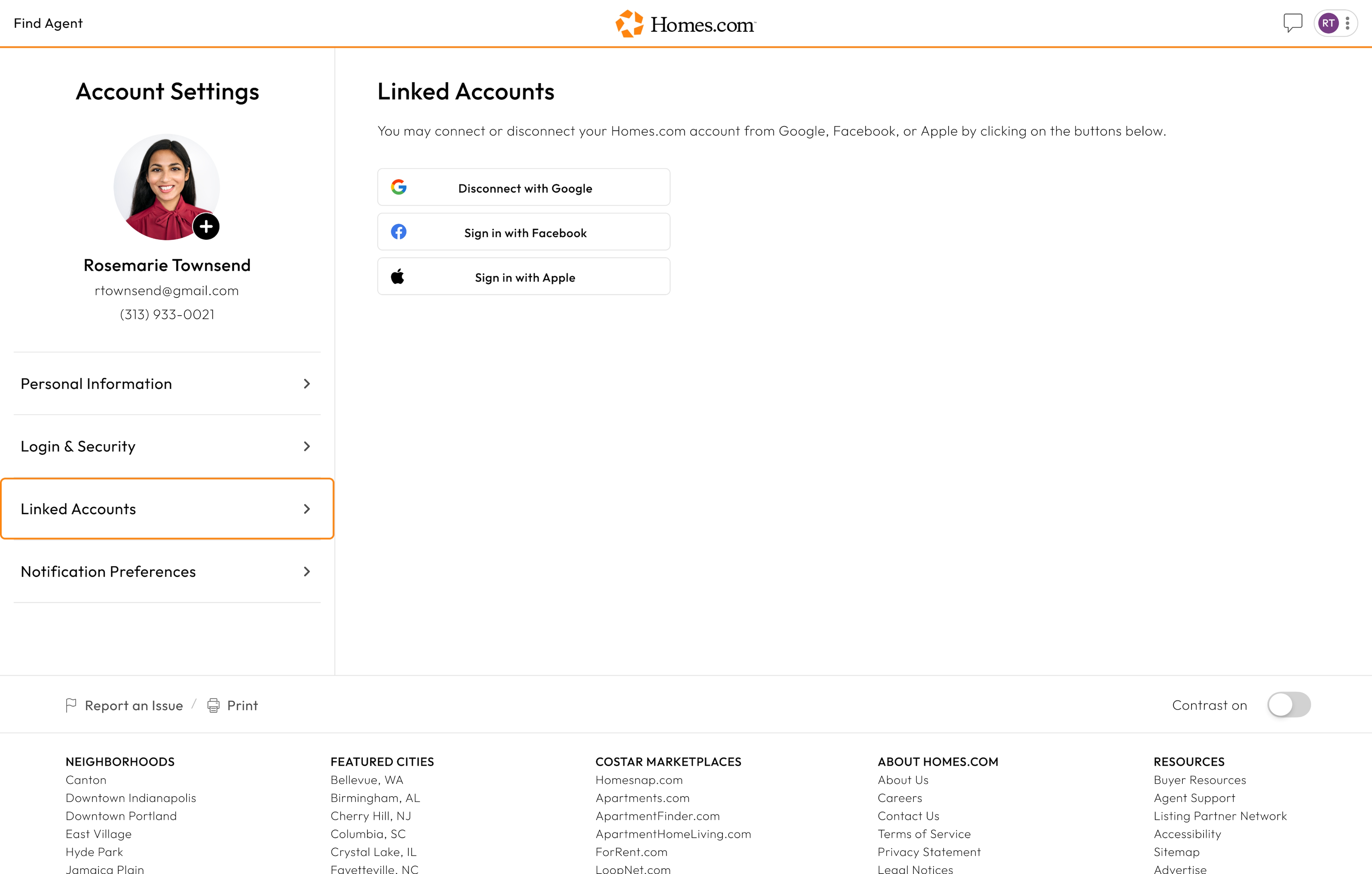
Account Settings How Can I Link Accounts to My Homes.com Account? To edit the accounts linked with your Homes.com account, go to your account settings. You’ll see a menu that has…